ISS DELUXE'd 1.0 brings SNES soccer to Windows and Linux, with online play
ISS DELUXE'd 1.0 is out for Windows and Linux: a widescreen recomp of SNES International Superstar Soccer Deluxe with cross-platform online play.
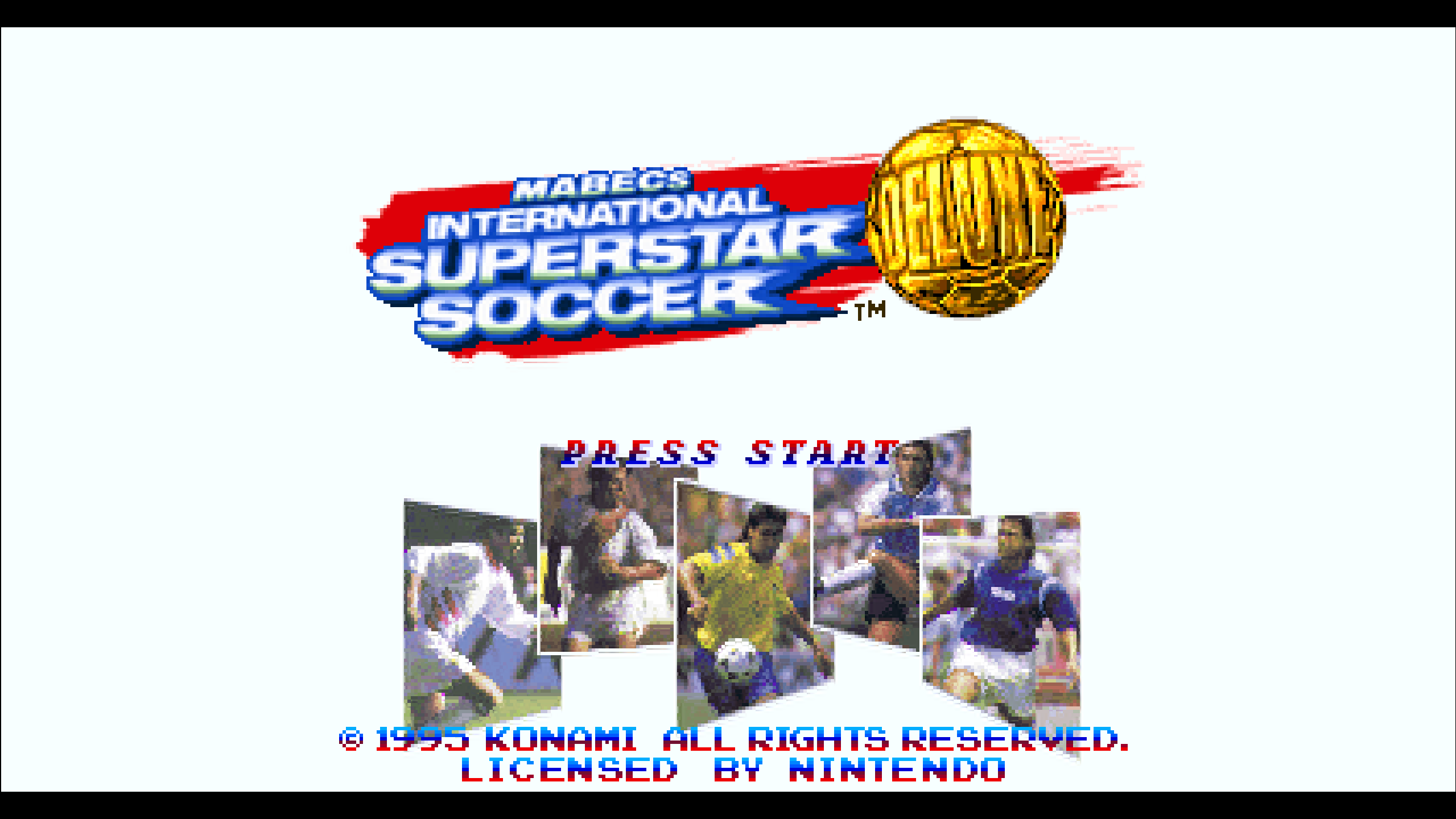
ISS DELUXE’d 1.0 is out for Windows and Linux. It’s a native recompilation of International Superstar Soccer Deluxe, the SNES football game, and it adds widescreen, a new launcher and online play between the two systems. The release came out on October 18.
A recomp translates the original 65816 code into C, so the game runs as a regular PC program. The project says it keeps SNES hardware models for video, audio and other peripherals. It’s a non-commercial fork of ISSD Native by sergiomanzur, and the project still calls itself a work in progress.
Online play is the main new feature. A Windows player and a Linux player can face each other in a 1-on-1 match. One player picks HOST and gets an invite code like EU-TIGER-482913. The other picks JOIN and types it in. There’s no account and no IP address to share. The games find each other through public message services, then connect directly, and both run the same match in lockstep.
Both sides need the same release. The slower PC or connection sets the pace for both players. Stutter and crackling sound are likely on weak setups. If someone drops mid-match, the game freezes and both players have to restart. Players behind very strict routers or carrier-grade NAT may not connect, because there’s no relay server.
How to try it:
- Get your own dump of International Superstar Soccer Deluxe (USA). The project doesn’t include a ROM, and the launcher accepts only that exact file.
- On Windows, download
ISS_DELUXEd-windows-x64.zip, unzip it somewhere you can write to, like Documents or Desktop, and runISS DELUXEd.exe. On Linux, downloadISS_DELUXEd-x86_64.AppImage, make it executable and run it. Linux needs glibc 2.34 or newer. - If SmartScreen blocks the unsigned exe, click More info, then Run anyway. Allow the firewall prompt the first time you go online.
