IsaacRecomp 1.3.1 fixes saves and controller menus for the Binding of Isaac recomp
IsaacRecomp 1.3.1 moves saves next to the game, fixes non-English Windows folder names, and reworks controller menus.
PC (Windows), Mac → PC (Windows), Linux / Steam Deck, Android, Switch · Recompilation
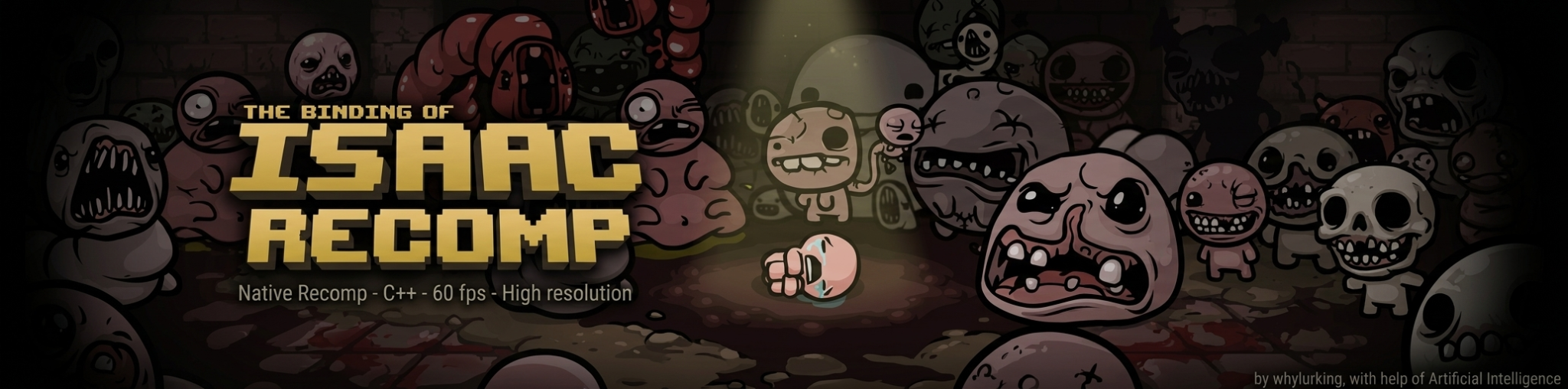
The Binding of Isaac, the 2011 roguelike that started life as a Flash game, now has a native build for PC, Linux, Android and Nintendo Switch homebrew. IsaacRecomp v1.3.1 came out on October 19 as a small patch on top of 1.3.0.
This is a static recompilation. Someone translated the original game code into C++ and runs it on a native engine written from scratch, so the game no longer needs Flash or an emulator. Graphics, sound and music still come from your own Steam copy, read from Isaac.exe at startup. Without that file, nothing runs.
The biggest change in 1.3.1 is where saves live. On Windows and Linux they now sit in a saves folder next to the program. On first launch, the old saves get copied over automatically, and the originals stay where they were. The release also fixes a bug on Windows systems set up in other languages: if a folder name had accents or Cyrillic letters, the game couldn’t read or write its save. The fix covers any folder name now.
The controller work is the bulk of the rest. The selected option is now pastel pink, the D-pad moves to the neighbouring item instead of jumping around the Collection grid, and B goes back one screen instead of closing every window. The Exit Game prompt can be answered with a controller now, and a DualSense, DualShock 4 or Xbox pad no longer pulls game audio to itself when it’s connected at launch. Touch players get one fix too: tapping the bomb counter places a bomb again in the original game and Wrath of the Lamb.
The README says the project was made by whylurking with the help of AI, and that it has no link to Edmund McMillen, Nicalis, Valve or Nintendo. My read: this is whylurking plus AI shipping a Switch homebrew build of a Flash game, and that’s the part I’d watch. Whether this approach holds up on bigger games is unclear, and one update doesn’t answer it.
How to try it on PC:
- Download
IsaacRecomp_Win64.zip(or the Linux.tar.gz) from the Releases page and extract it. - Put
Isaac.exefrom your Steam install next toIsaacRecomp.exe(orisaacon Linux). - Run it. If you’re updating from 1.3.0, replace the program files and your saves move by themselves.
On Switch, nothing moves between versions. Saves stay in sd:/switch/isaac/, and the launch requires application mode (hold R).
