gr2_pc brings Gravity Rush 2 to PC, using your own PS4 dump
New gr2_pc build (v2026.10.15) fixes a startup crash on Intel CPUs and adds Windows file and red-zone fixes. Needs your own PS4 files.
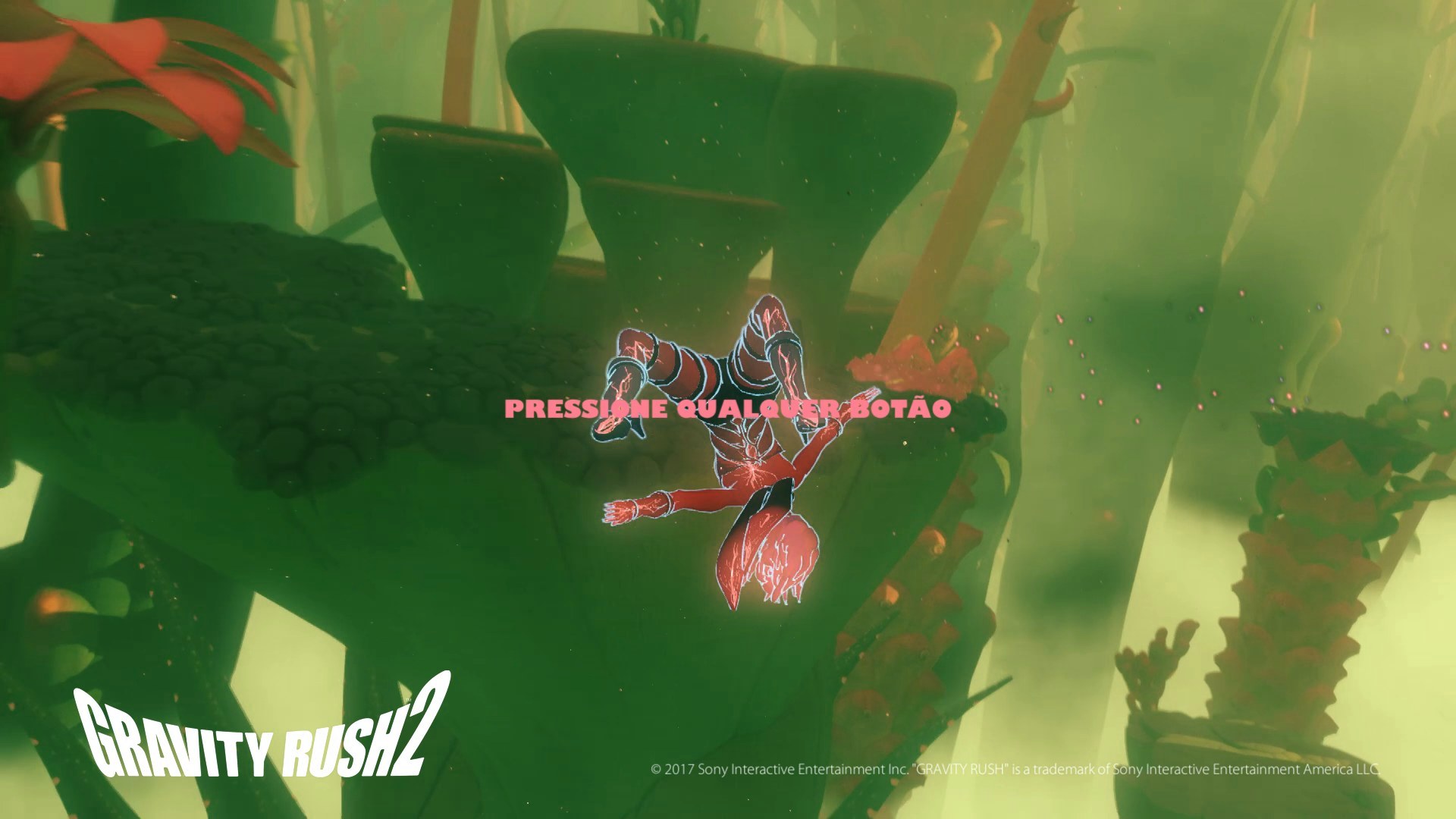
A new build of gr2_pc came out on October 15. It is a native PC port of Gravity Rush 2, the PS4 game from Japan Studio, and it runs on Linux and Windows. The project ships no game files. You need your own copy, dumped from your own PS4, and the port expects the US release (CUSA03694) with update 01.11 applied.
The game’s original code runs natively on the CPU. The PS4 system layer is reimplemented, and the GPU work is translated to Vulkan. The README gives 30 FPS at a native 1080p, with a bilingual launcher (English or Portuguese). The developer, HayatoG, built it on the same core as the port of The Last Guardian, which is also a Japan Studio game.
The main fix in this build is for Intel processors. The game used to crash at startup with an illegal instruction (0xc000001d). The PS4 code contains 96 EXTRQ instructions, an AMD-only set, so the port now rewrites and emulates them on chips that lack them. Ryzen users see no change. Motion controls work on DualShock 4 and DualSense, and a sensor mode covers pads without a gyro. The shader cache now lives in user/cache/, and the launcher has a button to clear it.
The Windows build picks up two fixes from inFAMOUS. One is red-zone protection, which the author says ended random crashes there. The other reworks file reads and writes, which ended “disc is corrupt” errors. The author has not yet tested the Windows zip in game, so treat it as unverified.
To try it:
- Download
gr2-linux-x86_64.tar.gz(needs glibc 2.39 or newer) orgr2-windows-x86_64.zipfrom the releases page. - Build one folder from your PS4 files: the base game plus the 01.11 update on top, about 28 GB. The package’s README-player.md lists what to copy.
- For sound, copy
libSceNgs2.sprxfrom/system/common/lib/on your console intosystem_lib/next to the executable. The file is optional and only needed for sound. - Run the launcher.
