Gears of War 3 PC Recomp v1.0.2 Adds Direct Online and Faster DLC Loads
Gears of War 3 static recompilation for Windows hits v1.0.2 with friend-code online play, UPnP/STUN, and faster startup with many DLCs.
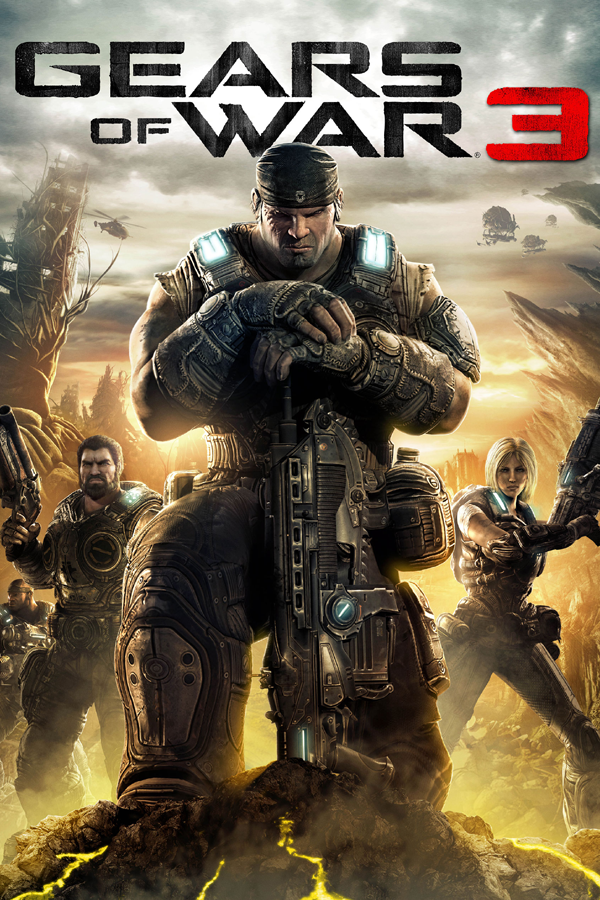
Piscacho released v1.0.2 of Gears of War 3 PC, a static recompilation of the Xbox 360 shooter Gears of War 3 for 64-bit Windows 10 and 11 with DirectX 12. Built with XenonRecomp, the project runs Campaign, Beast, and private Horde without an Xbox 360 emulator, though it ships no game files and requires your own Xbox 360 ISO.
Version 1.0.2 adds direct online play through system link without manual host picking or typing IP addresses. On the Online page in the launcher, set Play Online to On. Players on the same home network or a virtual LAN like Radmin VPN or ZeroTier find each other automatically. Over the internet, one player copies and shares a friend code and another pastes it under Friend Codes, up to five players in Horde. If a router has UPnP open, paste that player’s code; if the launcher reports CGNAT, ask your friend for their code instead. All players must run v1.0.2 because it breaks compatibility with v1.0.1.
Startup after pressing Start with 31 DLCs installed drops from roughly 35 seconds to about 19 seconds with the same result, and the game window title is now simply Gears of War 3. You can update through Home -> Updates in the launcher while keeping gow3.ini and save files (userdata\).
How to Try It and Known Caveats
- Download the release
.zipfrom the repository releases page and extract it to a folder such asC:\Juegos\Gears of War 3. - Run
GOW3.exe, select your Xbox 360 ISO in the launcher, and click Play. - Open the Online tab and enable Play Online if you want system-link multiplayer with a friend code or LAN.
Standard Horde asks for Xbox Live Gold, so use Private even for online sessions. Leave Use Title Update off under Advanced because enabling it freezes the game when entering the menu, online play works only over system link without Xbox Live, and expect brief pauses on first-time shader compilation or while loading DLCs after pressing Start.