Forza Motorsport 4 native PC port v0.3.9 switches to Vulkan and adds presets
Release v0.3.9 of the hl360-forza4 Forza Motorsport 4 port adds a Vulkan renderer, graphics presets, audio output choice and 120 FPS fixes.
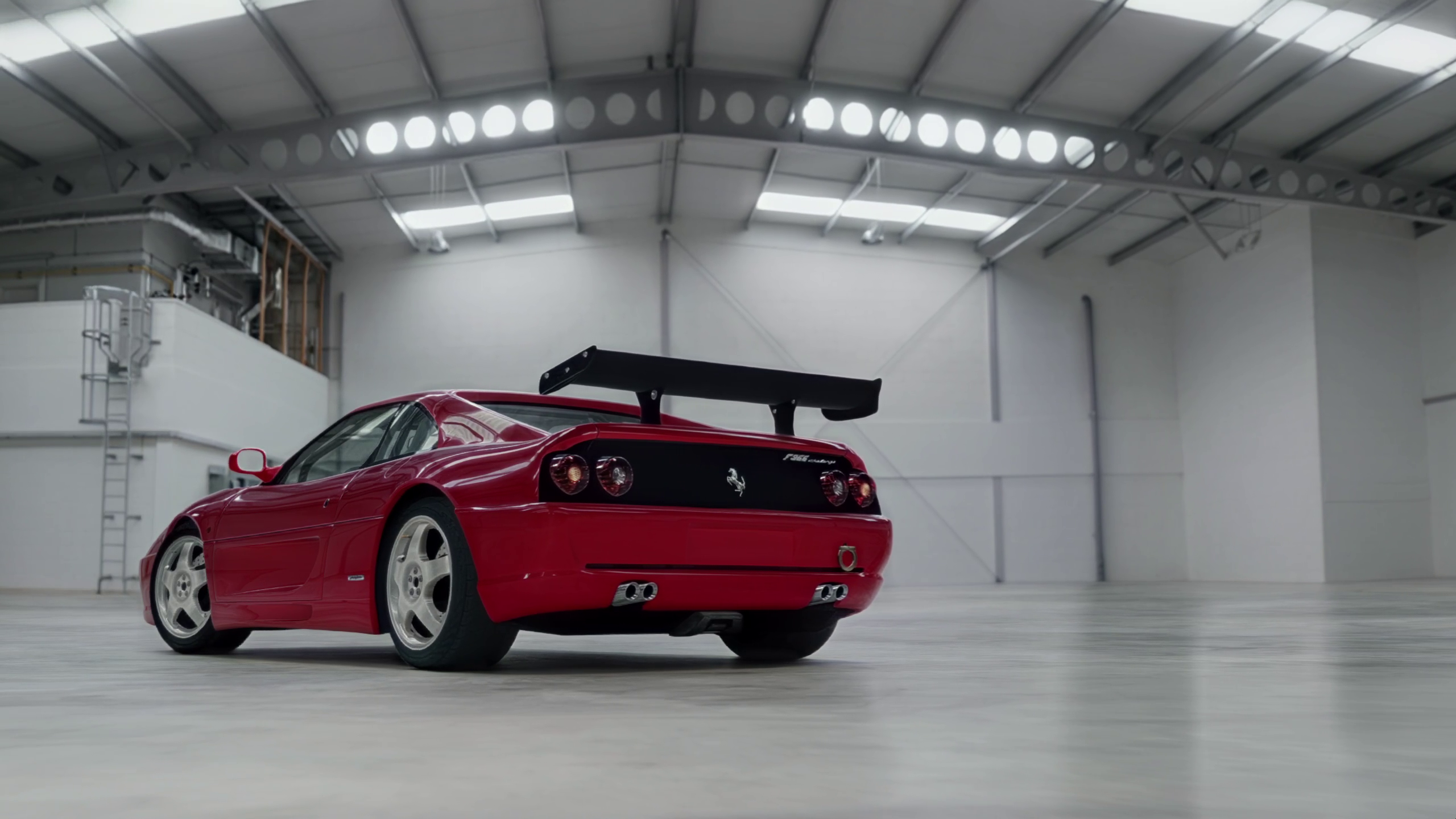
The hl360-forza4 project has released v0.3.9 of its native PC port of Forza Motorsport 4, the Xbox 360 racing game. The port translates the game’s PowerPC code into C++ with the ReXGlue SDK, so the game runs as a regular Windows program. You still need your own discs.
The first change in the release notes is the renderer, which now uses Vulkan. The release also adds Low, Medium, High and Custom presets. Low uses 1x rendering, 4x anisotropic filtering and FSR. Medium uses 2x rendering, 8x anisotropic filtering and FSR. High uses 2x rendering, 16x anisotropic filtering and bilinear output. The guest video stays at 720p, and render scaling now works separately from output scaling. The render labels run from 1x (720p) to 4x (5K). There is also a new anisotropic filtering dropdown and a VSync toggle.
Several fixes landed too. The 120 FPS mode had been held at 60 FPS by a host presentation limit, and that limit is corrected. The showroom camera no longer makes cars look too fast at 120 FPS. Exiting the game now cleans up fullscreen and presentation, which addresses desktop HDR dimming. Audio output can be set to Automatic, Stereo or 5.1 PCM. The port also switches to a Forza Plus 120 FPS physics profile automatically and returns to the previous profile at 60 FPS.
The README states the project’s status. The 120 FPS mode is experimental and does not guarantee a stable 120 FPS. Full Career, every game mode, long sessions and wheelbases other than the MOZA R3 still need testing. The README lists a Direct3D 12 GPU as a requirement, but the release notes say Vulkan. The sources don’t say which one applies, so check the release page before you buy hardware for this.
To try it:
- Extract the release into a short folder, such as
C:\Games\FM4. - Use the uncompressed ISOs of Forza Motorsport 4 (USA) Rev 1 from the Play Disc. Extract them from their ZIP archives first. Other regions and revisions are not validated.
- Open fm4-launcher.exe. Under Install, select the Disc 1 ISO for Step 1, then the Disc 2 ISO for Step 2.
- Set up a profile, adjust graphics and controls, then press Play.
Keep fm4.user.toml and launcher.toml when you update, so your settings and profiles survive.

