FModel for macOS 0.3.0 adds a navmesh viewer and batch exports
Unofficial native macOS port of the Unreal Engine archive explorer FModel reaches 0.3.0 with navmesh viewing and lower-memory exports.
PC (Windows) → Mac · Tool
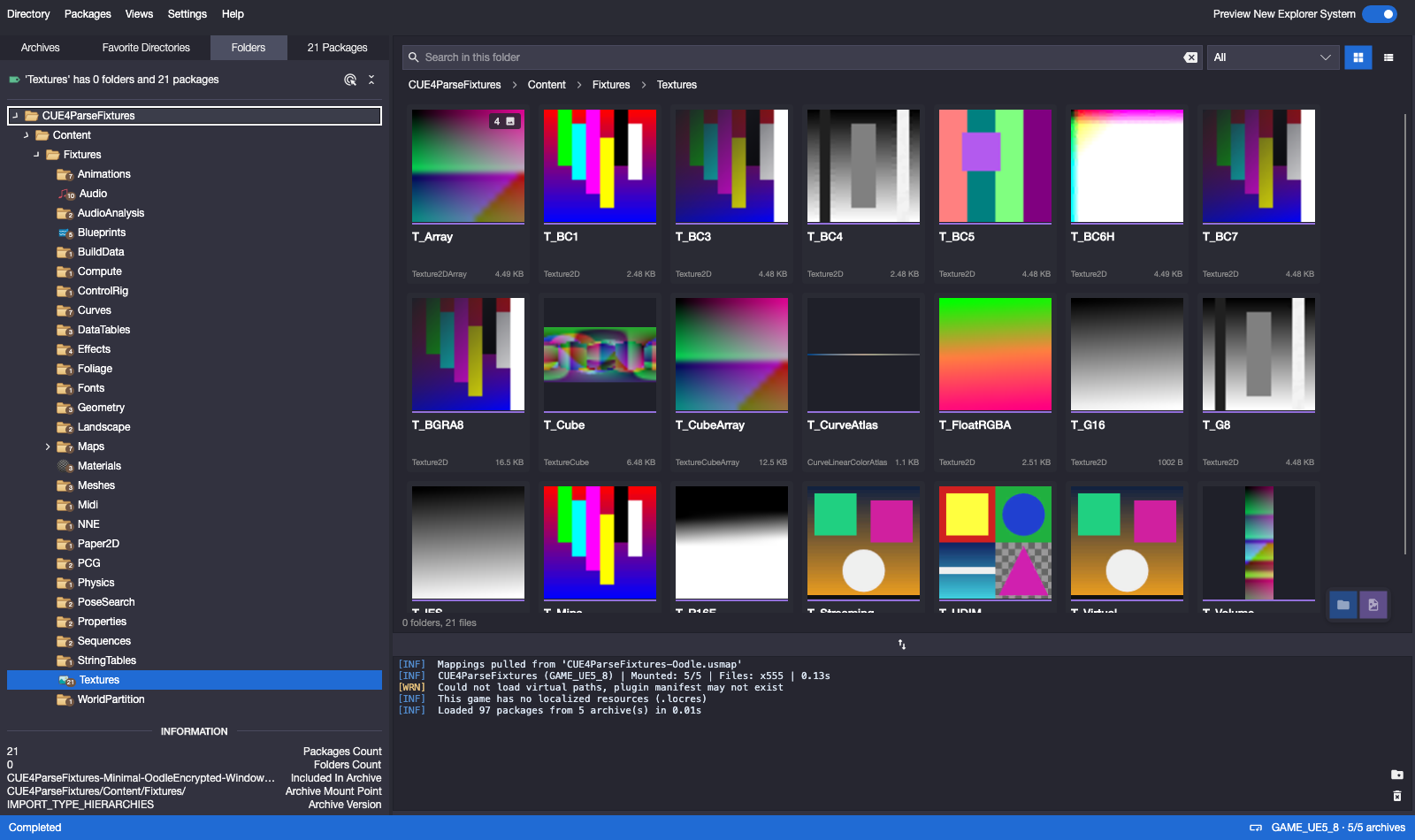
The unofficial FModel port for Mac hit 0.3.0 on October 16, and it runs natively on Apple Silicon Macs with macOS 14 Sonoma or later. FModel is an archive explorer for Unreal Engine games. You can browse the .pak and IoStore files of a packaged build, check what actually got cooked, and export assets, all without a Windows machine. The macOS port is built on the CUE4Parse parsing library and uses Avalonia for the UI.
Version 0.3.0 adds a navigation mesh viewer. It opens the cooked navmesh data from Unreal Engine and Detour .bin sets, colored by area. The command line gets fmodel backup and fmodel diff, which list what changed since a backup. Big exports now load assets in batches instead of filling memory. A fix also stops files that appear in several paks with the same priority from loading from whichever pak loaded first, which had been producing false changes in diffs.
To try it:
- Download
FModel-v0.3.0-macos-arm64.zipfrom the GitHub releases page. - Unzip it and move
FModel.appto Applications. - Open it once, click Done, then go to System Settings › Privacy & Security and choose Open Anyway. The app isn’t notarized.
The 3D viewer is new code. The original FModel viewer needs OpenGL 4.6, and macOS stops at 4.1, so Niagara and Cascade effects only show as an approximate preview. The port’s author says it is not affiliated with the FModel authors or Epic.