ee-macos 0.8.2 fixes a crash in Empire Earth's unit sorting
Empire Earth runs natively on Apple Silicon Macs. Version 0.8.2 of the ee-macos fan project fixes a crash with 17 or more stacked units.
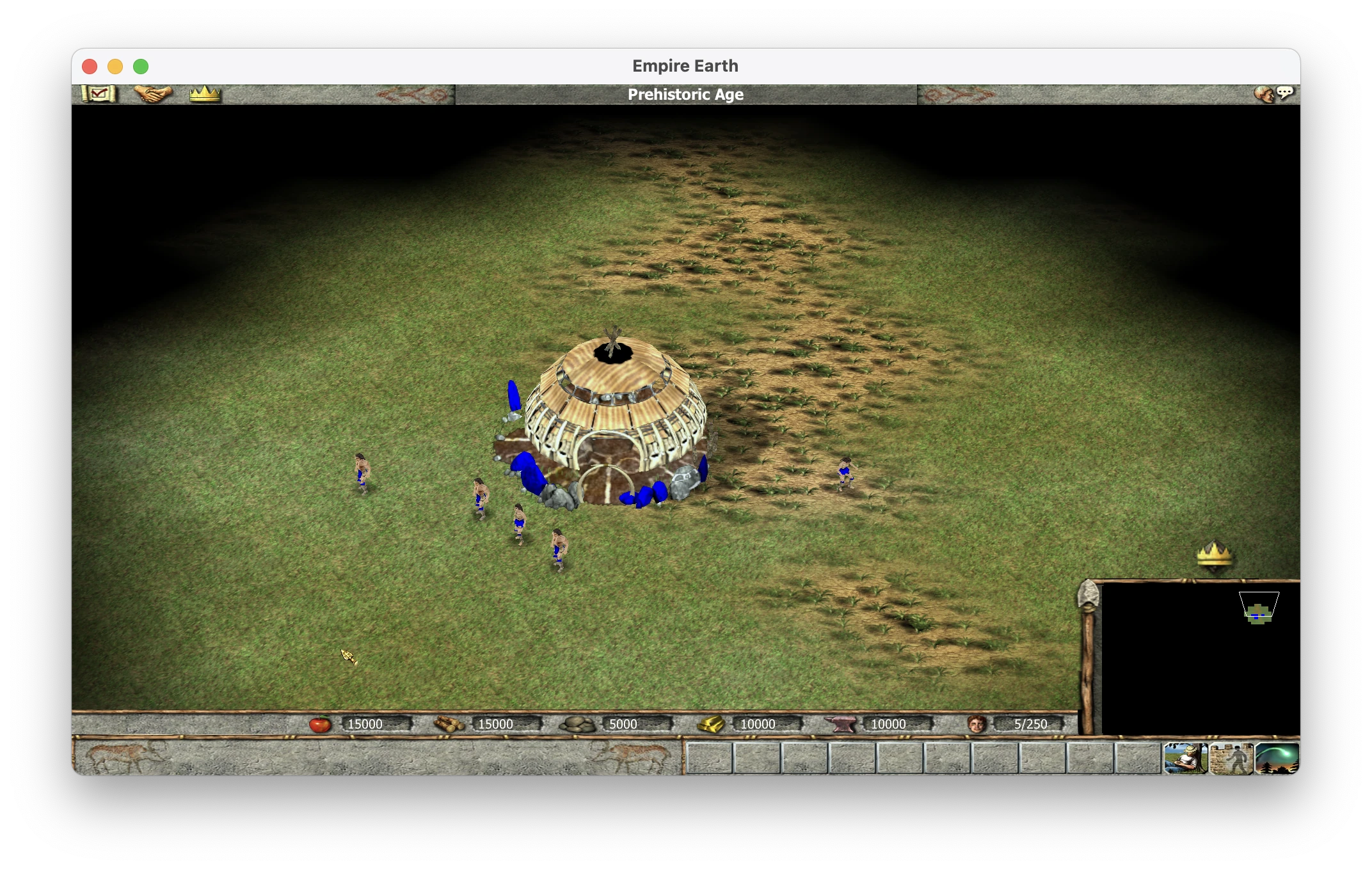
Empire Earth (2001) now runs natively on Apple Silicon Macs. The fan project ee-macos released version 0.8.2 on October 16, 2026. It needs an M1 or newer chip and macOS 13 Ventura or later. This release fixes a crash that hits long games.
On first start, the app takes your own GOG copy of Empire Earth Gold and runs static recompilation on your Mac, turning the game’s 32-bit x86 code into native arm64 code. The result runs on a small runtime that stands in for Windows and DirectX. The app doesn’t use Wine, Rosetta or an emulator, and it ships without any part of the game.
The crash sits in the original game’s code. When 17 or more units stand stacked on one spot, the game can crash while sorting units that step out of a crowd. Windows can hit the same bug. The fix checks that sort before it runs. If the check says it’s safe, the game’s own sort runs unchanged, so LAN games with Windows players stay in sync. Only the risky case gets a different order.
The simulation matches Windows tick for tick, so a different unit order could split two machines in a LAN game. The fix changes the order only in the risky case, and everywhere else the original order stays, which keeps Mac players in step with their Windows friends. Release 0.8 had already fixed slow scrolling, stutter in big battles and slow responses to clicks in LAN play.
How to try it:
- Download the Windows English offline installer from GOG. It’s one 667 MB file. You don’t need Windows to use it.
- Download
EmpireEarth-0.8.2.dmgfrom the releases page, open it and drag EmpireEarth onto Applications. - The app isn’t notarized, so macOS blocks it the first time. Click Done, then go to System Settings → Privacy & Security and click Open Anyway.
- Point the app at your installer. It builds the game for your Mac once. The release notes say 2-5 minutes. The README says 2-3 on a recent Mac and up to about 10 on a base M1.
Limits: campaigns aren’t verified yet. The Art of Conquest expansion isn’t supported. Direct Connect and Tailscale don’t work with GOG copies. Mac-to-Mac LAN is expected to work but hasn’t been tested with two Macs. The 2001 CD, Steam and NeoEE editions aren’t supported, and you need about 1.5 GB of free space for the first start.

