Dragon's Crown Pro PC port v0.3.0 fixes launch crash, adds menu languages
Fan-made native PC port of Dragon's Crown Pro for PS4 hits v0.3.0. It fixes the crash after PLAY and adds a language picker.
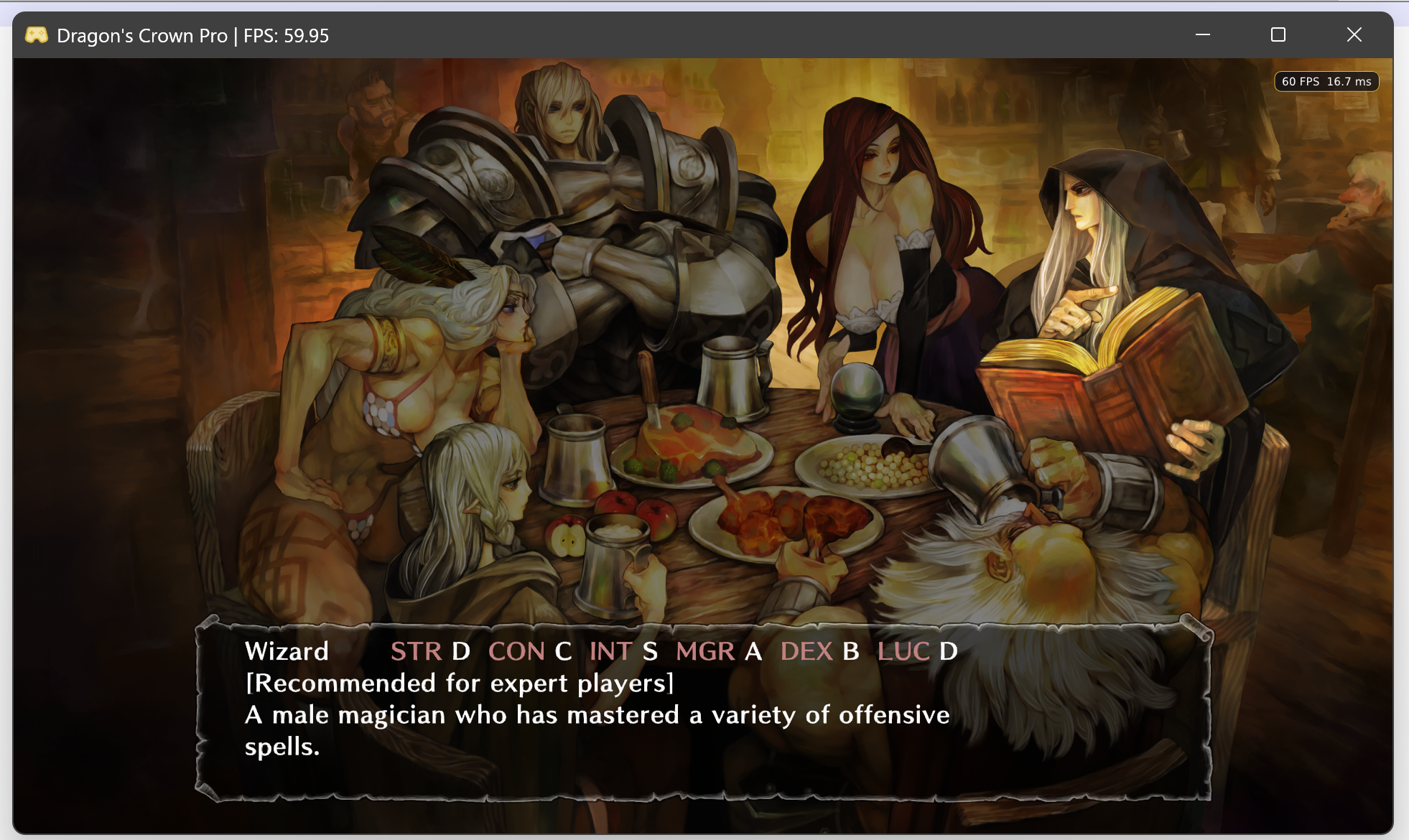
Dragon’s Crown Pro, Vanillaware’s PS4 side-scrolling beat ’em up, now runs natively on Windows through a fan-made port. Version 0.3.0 is out, and it fixes the crash right after pressing PLAY that hit v0.2.0 on Windows and Linux.
The README calls it a native port, not an emulator. The PS4 game’s own x86-64 code runs on the PC, alongside a replacement for the PS4 system libraries and a Vulkan renderer derived from shadPS4. The package includes a TRG launcher, modern display options, and a menu and subtitle language picker: English, French, German, Italian or Spanish. Character voices are still chosen in-game.
No game files come with it. You need your own legally obtained, decrypted PS4 package of this exact version (01.03). The launcher refuses anything else. Windows needs 10 (1903 or newer) or 11, plus a GPU with Vulkan 1.3. The Linux and Steam Deck builds are experimental AppImages.
How to try it:
- Extract the Windows zip and run dcp-loader.exe.
- On the Play page, click Install game… and pick your .pkg.
- Wait for Ready to play, then press PLAY.
Upgrading from v0.2.0? Drop the new files into the same folder. Your game, settings and saves stay.
