Dead Rising 2: Case West gets a native PC port, and its maintainer calls v1.1.2 final
The Xbox 360 game's native PC port reaches v1.1.2 with new Apple Silicon Mac and Steam Deck builds. Online co-op needs the XenonLive launcher.
Xbox 360 → PC (Windows), Linux / Steam Deck, Mac · Recompilation
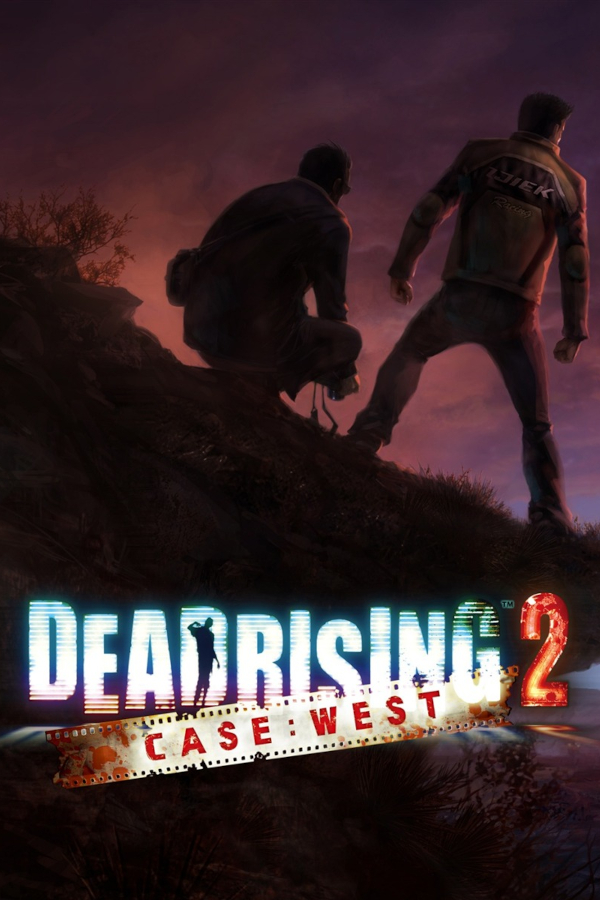
The native PC port of Dead Rising 2: Case West hit v1.1.2 on October 14, and the maintainer calls it the final build. The Xbox 360 game now runs natively on Windows, Linux, Steam Deck and Apple Silicon Macs. The Steam Deck and Mac builds are new since v1.1.1.
Dead Rising 2: Case West is the 2010 Xbox 360 epilogue to Dead Rising 2, released by Capcom and Blue Castle Games. The port uses static recompilation. XenonRecomp, from hedge-dev, translates the Xbox 360 code ahead of time into a native program. That program runs on its own engine with a Vulkan renderer and real XMA audio.
Single-player is playable from start to finish. Two-player online co-op works, but only if you launch through the XenonLive launcher. Start the game any other way and it runs offline.
The download contains no game data. You need your own XBLA package, about 1.2 GB with no file extension. The first run unpacks it and builds 1,322 shaders. That takes 7.5 seconds on a 16-thread desktop and longer on fewer cores.
v1.1.2 also fixes renderer problems for widescreen fills and depth precision, adds zombie detail and shadow-bias controls, and adds a game_mods/ overlay for community content. Static world detail is now fixed at the original 1.0 scale.
The maintainer has stopped active development. Forks and pull requests are welcome, but the notes warn they may go unanswered. The code and development record stay public.
How to try it:
- Download the build for your system from the Releases page:
CaseWestRecomp-windows-x86_64.zip,CaseWestRecomp-linux-x86_64.tar.zstor.AppImage,CaseWestRecomp-steamdeck-x86_64.tar.gz, orCaseWestRecomp-macos-arm64.zip. - Unpack it. On Mac, run
xattr -dr com.apple.quarantine <the unzipped folder>in Terminal before the first launch, since the app is not notarized. - Copy your XBLA package file into
assets/package/inside the game folder, or drag it onto the launcher window. - Start
cw_runtime.exeon Windows,./cw_runtimeon Linux or Steam Deck, orCaseWestRecomp.appon Mac. Keep it beside theassetsfolder.
For online co-op, start the game from the XenonLive launcher instead.
