Dragon Ball Z: Buu's Fury gets a Windows recomp, now at v0.0.4
An unofficial static recompilation of the GBA game Dragon Ball Z: Buu's Fury reached v0.0.4 on Windows, with a widescreen mod.
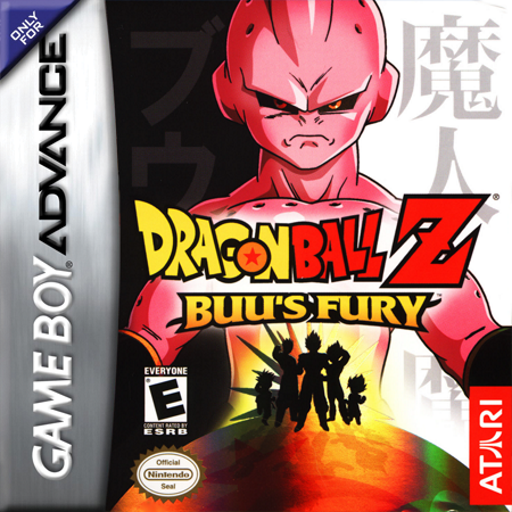
Dragon Ball Z: Buu’s Fury, a Game Boy Advance game, now has a native Windows version. The unofficial project DragonBallZBuusFuryRecomp released v0.0.4 on October 18, 2026. It’s a static recompilation, which converts the game’s original code into a regular Windows program ahead of time.
The project is built with gbarecomp, the author’s framework. The README says the game is the proving ground and the reusable framework is the larger goal. The v0.0.4 notes mention fixes to callback discovery and to guarded RAM and cartridge execution.
The release notes say each Windows package passed a 6,000-frame boot from a fresh save, with zero dispatch misses, interpreted instructions, or healed functions. They add that this covers the tested boot route only, not every gameplay path. The README calls the build an experimental preview and tells you to back up saves. The source pages also disagree on the version: the catalog entry still lists v0.0.3 as latest, and the README mentions v0.0.1.
An optional Adaptive Widescreen mod is off by default. It widens the HUD and overworld up to a 480×160 logical view. The original 240×160 image stays available.
How to try it:
- Download the Windows zip from the Releases page on the GitHub repo and extract it.
- Run
DragonBallZBuusFuryRecomp.exe. - In the launcher, select your Dragon Ball Z: Buu’s Fury (USA) ROM and a retail GBA BIOS.
- Set display, audio, controls and mods, then select Play.
The ROM and BIOS are not included, so you need your own dumps. Default keys are arrows for the D-Pad, Z and X for A and B, and Enter for Start. Save states use Shift+F1-F9 to save and F1-F9 to load.