Crash Twinsanity PC Port Adds Vulkan and In-Game Settings
Crash Twinsanity-Windows 1.3.0 brings Vulkan support, an in-game settings menu, and new enhancement options for PC and Linux.
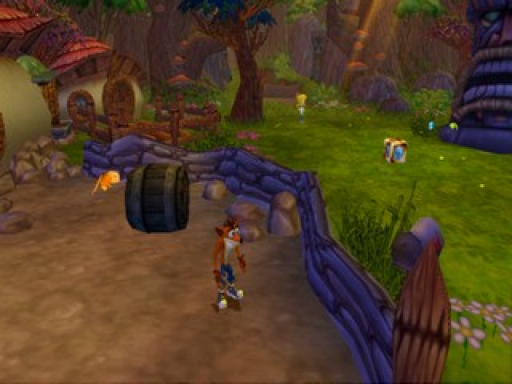
The native PC and Linux port of Crash Twinsanity (GioPixelGH/Crash-Twinsanity-Windows), built on Smartkin’s C++ decompilation and HAB3X’s Mac port, has reached version 1.3.0.
The update introduces an optional Vulkan renderer alongside the default OpenGL, giving players a fallback if startup issues occur. You can access settings directly while playing by pressing F1 or Select+Start on a controller. The options menu is organized into seven tabs, including a new Mods section and a monitor picker for multi-display setups.
Other additions include optional gameplay tweaks off by default, such as an automatic camera with an assisted mode, level selection from gem pages, and a master audio volume slider. A PAL disc image (SLES-52568) is required, as no game files are included.
How to try it
- Download
Crash-Twinsanity-Windows.zipfor Windows or the AppImage for Linux from the release page. - Provide your own PAL disc image in
.iso,.bin, or.imgformat. - Run the executable and select your disc image when prompted.