Castle of Illusion gets an unofficial Windows PC port in v0.1.0-beta
Unofficial Windows PC port of Castle of Illusion (Sega Genesis, 1990) reaches v0.1.0-beta, built largely with Claude AI and run from your own ROM.
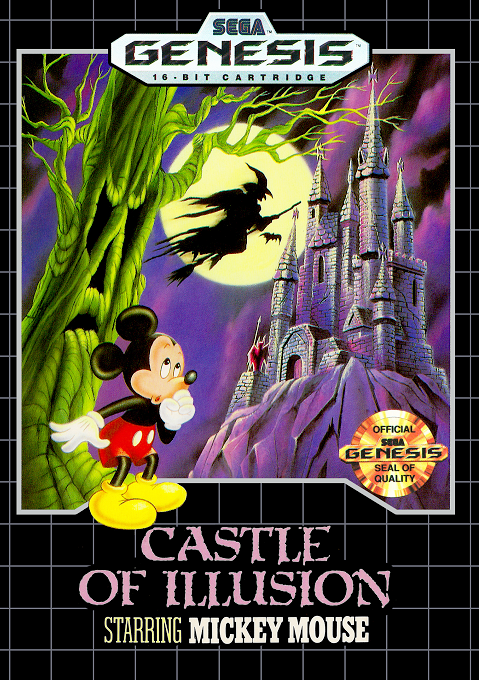
A fan has released v0.1.0-beta of a PC port of Castle of Illusion Starring Mickey Mouse, the 1990 Sega Genesis (Mega Drive) platformer. It’s a prerelease for Windows, and it runs the game from your own cartridge dump.
The port adds widescreen, smoother motion and a set of display options. Press F1 for the menu, and F2, F3 or F4 for Quick Settings. The project also includes tools to disassemble the game from your own ROM. The repository itself holds no ROM, graphics, sound or game code. Everything the port needs comes from your copy.
The README is blunt about how it was made. The author says most of the code, tools and documentation were written by Claude, Anthropic’s AI coding assistant. The author chose the features and play-tested every change, and warns that the code can contain the kinds of mistakes AI-written code tends to have. Bugs go to the Issues page.
The AI disclosure is the notable part. Here the author says the model did most of the work. Whether this approach holds up over a long project is unclear.
How to try it
- Download
coi-port-windows.zipfrom the Releases page and unzip it anywhere. - Put your own dump of the US release (a 524,288-byte
.binfile) in theromfolder besidecoi.exe. - Start
coi.exe.
Settings are saved in %APPDATA%\CastleOfIllusion\Port\settings.ini. If you want an MD+ soundtrack pack, put it in a folder named mdplus beside coi.exe.
The project calls itself a fan project, with no link to Disney or Sega. The author asks people not to request or share ROMs.

