Burnout 2 PC recomp v1.5 adds a single draw distance setting
Burnout 2: Point of Impact static recomp v1.5 adds one draw distance setting with 2x and 4x options, plus timing and HUD fixes.
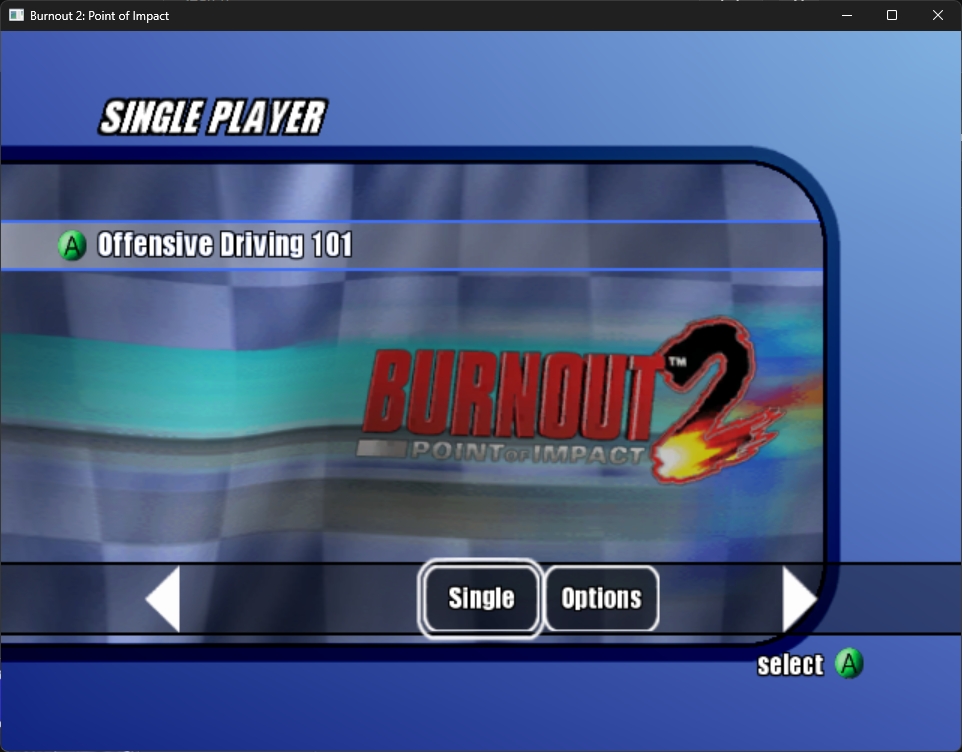
Burnout 2: Point of Impact, a racing game from the original Xbox, got version 1.5 of its unofficial static recompilation for Windows. The release went up on October 15. A static recomp translates the game’s original code into a native Windows program, so you don’t need an emulator. You still need your own copy of the game.
The big change is one Draw distance setting. It replaces the old LOD and render-distance overrides, and you pick Original, 2x or 4x. The higher settings also add traffic detail at longer range. The author says car reflections look better and building flicker is down at extended distances. Snow particles got their size and texturing fixed, and the inputs for DLSS, FSR and XeSS are improved. The settings menu was redone with clearer categories, and the game now opens without a separate terminal window.
Scenery is the weak spot. Higher draw distance can still leave scenery missing or wrong, including on Sunrise Valley Springs. The setting’s tooltip warns about it, and the fix is deferred to a later release. Use Original if you see it. Frame interpolation can distort thin objects and transparent overlays. The upscaling options are marked experimental and may cost frame rate. The README also says the project is still in development, so slowdown and crashes are possible.
The README has a section on AI use. It says AI was used in development. The first version of the recomp was dropped because of poor performance and growing complexity, and the current build is a smaller rewrite. The README does not say whether the rewrite runs better, so that is unclear for now.
To try it, you need a 64-bit Windows PC, a DirectX 11 graphics card, and your own US Xbox release as an XISO. The README asks for Visual Studio 2026 Community with Desktop development with C++ and C++ CMake tools for Windows. The rest of that list is cut off in my copy.
If you already have an earlier build, update like this:
- Close the game and the builder.
- Back up
data/useranddata/local/settings.cfgfrom besideb2.exe, plusdata/local/custom-musicif you use it. - Extract Installation.zip into your existing source folder, the one with Build.cmd. Replace the source files and keep
buildanddata. - Run Build.cmd again and select your XISO.
