Brothership Recomp Beta 1.2 adds Linux and Steam Deck, fixes AMD crash
Brothership Recomp beta 1.2 adds a Linux Flatpak that runs on the Steam Deck and fixes a first-frame crash on AMD graphics cards.
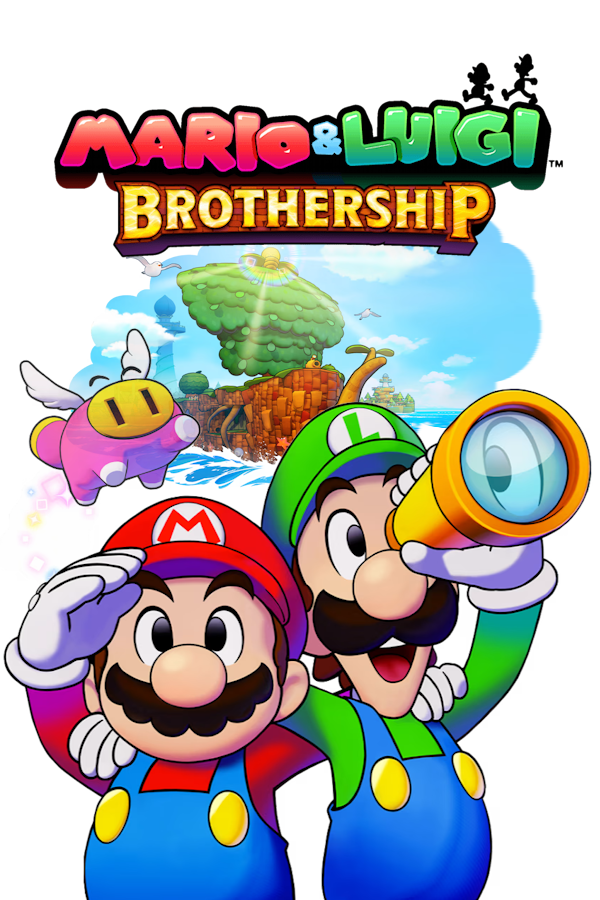
Brothership Recomp, a static recompilation of Mario & Luigi: Brothership for the Nintendo Switch, has a new beta out: version 1.2. It adds a native Linux build, packaged as a Flatpak and tested on the Steam Deck, and it fixes a crash on AMD graphics cards.
A static recompilation translates the game’s code ahead of time into C and compiles it for the PC, so the game runs as a regular program. The project’s runtime supplies the Switch’s system services and its NVN graphics API on top of Vulkan. The idea follows XenonRecomp and N64Recomp. The repository ships no Nintendo code, assets or keys. You bring your own dump and your own prod.keys, and the launcher builds the game on your machine.
The AMD fix matters if you run an AMD card. Before 1.2, the game stopped at the first frame with the message “the Vulkan device cannot sample or copy format 129”. AMD has no 24-bit depth format, so the build now uses a 32-bit one. Linux desktops that manage colour now get standard sRGB, so the picture no longer looks washed out.
How to try it on Linux:
- Dump the base game and the 1.0.1 update from your Switch as
.nspfiles, and get yourprod.keys. - Download
BrothershipRecomp-Linux.zipfrom the releases page and unzip it. - Install the Flatpak: open
BrothershipRecomp-Linux.flatpak, or runflatpak install --user BrothershipRecomp-Linux.flatpak. The first install also pulls the Freedesktop 26.08 runtime from Flathub, about 1 GB. - Start Brothership Recomp, set Game files and Keys with Browse, then press Build and Play.
The build takes about 10 to 15 minutes on a fast PC and longer on a Steam Deck. Plan on about 25 GB of free space while it runs. The Steam Deck runs at a steady 30 fps at 720p. Windows reaches 60 fps with internal resolution up to 4K. For Game Mode, add the app to Steam as a non-Steam game.
If you built the game with 1.1 on Windows, press Build once more after updating. Play stays locked until then. Your saves, settings and shader cache stay.
