Birdman64 1.3.0 adds a performance overlay to its Pilotwings 64 PC port
Birdman64 1.3.0 adds a performance overlay and easier texture packs to its native PC port of Pilotwings 64.
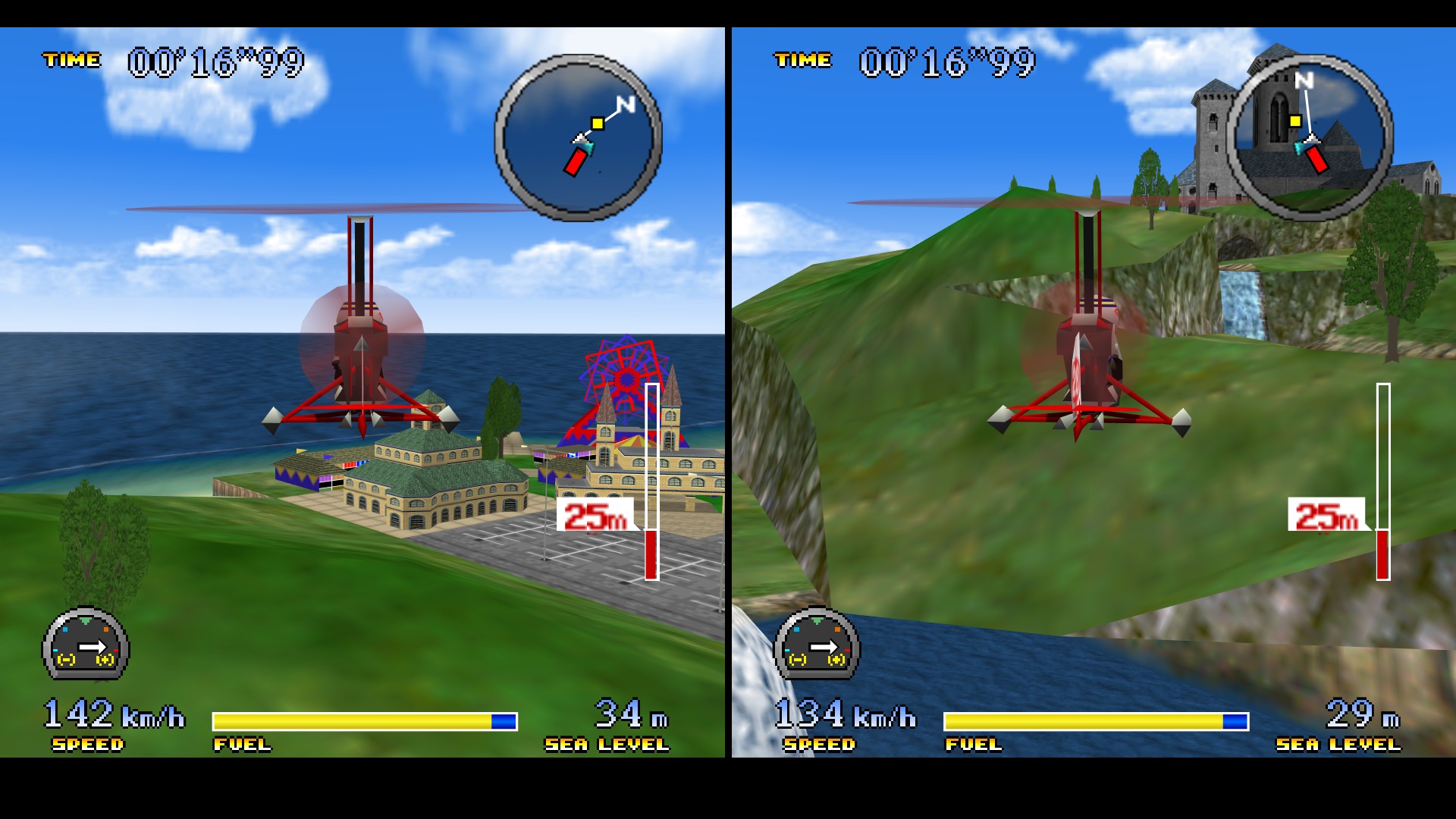
Birdman64 1.3.0 is out. It’s a native PC port of Pilotwings 64, the Nintendo 64 game about hang gliders and rocket belts, and it runs on Windows and Linux. The release notes say 1.3.0, but the catalog entry calls it v1.4.1 prerelease, so the exact version is unclear.
There’s no emulator. The project ships no game files, so you need your own US Pilotwings 64 ROM. On first start the app downloads the game’s open-source code and builds it on your machine. That takes about a minute and needs internet once. The README lists widescreen up to 21:9, refresh rates of 144 Hz and above, and rebindable gamepad controls. The Android build is experimental.
The new performance overlay sits in the Pause menu. The FPS counter works on its own, and frame time, 1% lows, a frame-time graph, CPU and GPU load each toggle separately. Texture packs now go into a packs folder. Open Settings > Display & graphics > “Open texture packs folder”, pick the pack under “Texture pack” and restart. No command line needed.
How to try it:
- Download
Birdman64-windows-x64.zipfor Windows or the.AppImagefor Linux. Extract the zip first and never run the exe from inside it. - Put your US ROM next to the exe, or pick it when the game asks.
- Press Esc or F10 for settings.
If Windows shows “Windows protected your PC”, click More info, then Run anyway.