Baroque-SaturnRecomp v0.1.3 Reduces Boot Audio Crackle
Baroque-SaturnRecomp v0.1.3 doubles the audio buffer to 2048 frames, cutting boot logo dropouts on Windows.
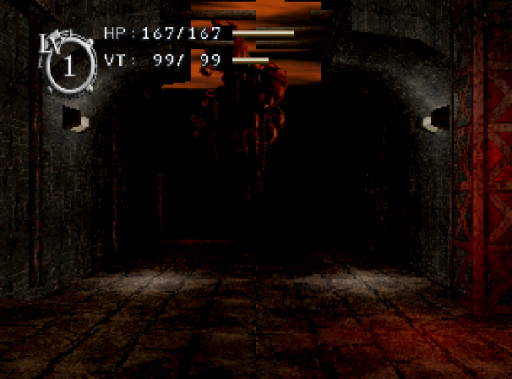
Baroque-SaturnRecomp v0.1.3 is out for Windows. The update targets audio stability for Baroque, the 1998 Sega Saturn dungeon crawler by Sting.
The release doubles the audio buffer from SaturnRecomp’s default 1024 frames to 2048 frames, roughly 46 milliseconds. In testing on a 15-watt laptop at 6x resolution, audio dropouts during the Sega Saturn boot logo fell from 12 to 1. The change adds about 23 ms of audio latency.
How to Try It
- Update to v0.1.3 using your existing install folder. The runtime remains unchanged, so the launcher skips the build step and starts the game immediately.
- Adjust the buffer manually by editing
AudioBuffer=under[Audio]insettings.ini, located in%LOCALAPPDATA%\Baroque-SaturnRecomp. Lower values down to 256 reduce latency, while higher values up to 8192 help on slower hardware.
If the boot logo still stutters, lower the internal resolution in F1. In testing, 5x ran smoothly at boot.
Sources: github.com