B2recomp v0.2.4 fixes missing effects on AMD cards and cutscene audio drift
B2recomp v0.2.4 fixes missing particle effects on AMD Radeon cards and cutscene sound drifting on G-Sync and FreeSync screens.
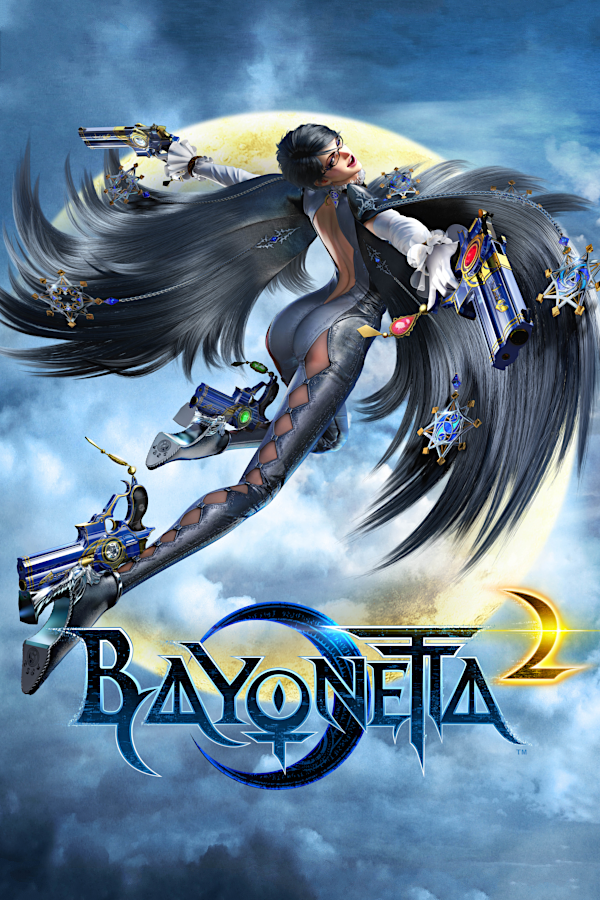
B2recomp v0.2.4 is out, and it fixes two bugs players reported on Windows. Some effects vanished on AMD Radeon cards, and cutscene sound drifted away from the lips on G-Sync and FreeSync screens.
B2recomp is an unofficial static recompilation of Bayonetta 2 from the Nintendo Switch version. It translates the Switch program code to C on your own PC and runs the game natively on Windows. It is not an emulator. The release is for Windows. A Linux build is in testing.
On an RX 9070, AMD’s driver refused a few particle shaders, so some effects were never drawn. Those shaders read a buffer that B2recomp never connected to them. NVIDIA’s driver let that pass. AMD’s does not. The connection is fixed now. On the first start, only those few shaders get rebuilt. The rest of your shader cache stays.
The audio bug depends on the Vertical sync setting. On Auto, the game’s speed follows the screen’s refresh rate. A variable-refresh screen can run a bit under its nominal rate, and the game then ran up to about 2 % slower than the sound. Auto now checks the game’s speed every few seconds. When the refresh drifts, the program’s own 60 Hz clock takes over. When the refresh settles, the game follows the screen again. Screens with a steady 60, 120 or 240 Hz see no change. If you set Vertical sync to Program clock as a workaround, you can switch it back to Auto.
Both fixes were tested only on NVIDIA. The AMD fix and the variable-refresh fix are not confirmed yet. If you have an AMD card or a G-Sync or FreeSync screen, press Report… in the launcher after a few minutes of play. Attach b2recomp-report.zip to an issue. Never attach game files.
To try it:
- Unzip B2recomp-builder-6dfe53c.zip into a new folder.
- Start B2recomp.exe, choose your dump folder and press Build. It takes about 5 minutes on a 16-thread PC.
- When the build finishes, choose your settings and press Play.
You need your own extracted copy of Bayonetta 2, version 1.2 (update v131072), as plain files. Encrypted packages like .nsp and .xci are refused. You also need Windows 10 or 11 x64 and a GPU with a Vulkan 1.3 driver. The builder is unsigned, so SmartScreen may warn. Choose “More info”, then “Run anyway”.
If you update from v0.2.x, copy build\play\userdata (your saves) and config (settings and controls) into the new folder after the build. Copy cache too if you want to skip shader prep on the first start.
Testers with AMD cards will show whether this fix holds.
