PlayStation All-Stars PC Port Drops Prep Time to Minutes in v0.4.3
The PlayStation All-Stars Battle Royale PC port v0.4.3 cuts first setup from about two hours to 12 minutes until you can play, and drops the full Visual Studio requirement.
PS3 → PC (Windows) · Port
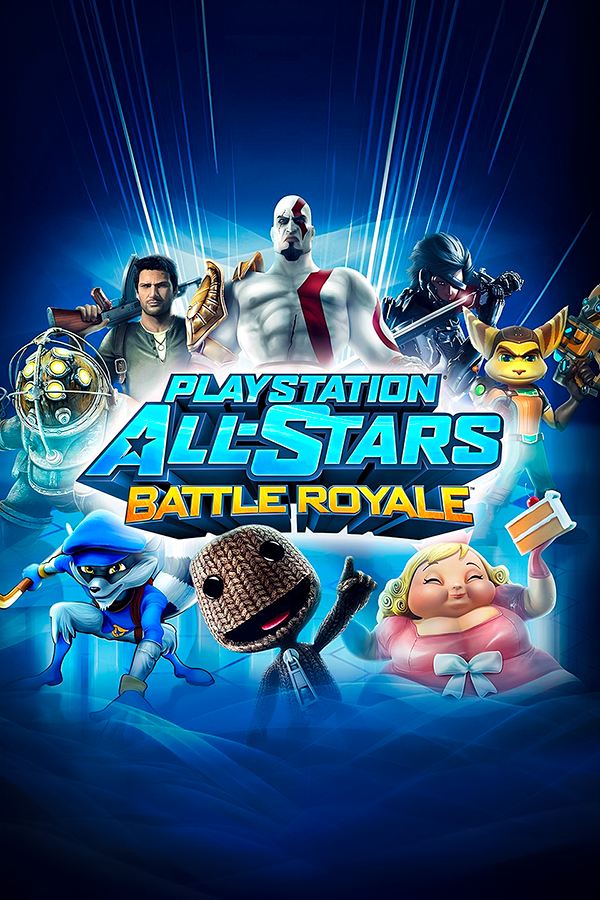
The static recompilation project that brings PlayStation All-Stars Battle Royale (PS3) to Windows has reached version 0.4.3. On a virtual machine with 4 cores, 8 GB of RAM and the game on a slow external drive, the first setup that took about two hours in v0.4.2 now lets you play after about 12 minutes. Everything is ready after about 20 minutes, not counting downloads.
Before, the launcher needed a full Visual Studio and CMake install, plus hours of waiting. The new release drops both. The launcher now fetches only the Microsoft C++ compiler and Windows SDK pieces the build uses, plus a trimmed LLVM copy. That takes about 0.4 GB on disk instead of a full Visual Studio install. Downloads and shader preparation run at the same time, and the build runs at below-normal CPU priority, so you can keep using the PC.
Other changes: the shader cache is one file instead of about 37,000 small files, and updating the kit no longer rebuilds all shaders when the shader translator has not changed. The game window now shows a black screen with “Loading…” instead of a white window marked “Not responding”. A Play now button opens the game while the remaining shaders are still compiling. A new Fps limit option in Options > Graphics offers 30, 60, 120 and 144, with 60 as the default. Above 60 the fight runs faster, and below 60 it runs in slow motion, because the game runs its logic per frame. Online and LAN matches always stay at 60.
To update or try it out, grab the latest kit from the allstars-port GitHub repository. You still need your own PS3 disc (BCUS98472), since the kit does not include the game. RPCS3 decrypts the EBOOT, and the launcher builds the Windows executable on your PC.