AlleyCat-Recomp brings the 1984 DOS game Alley Cat natively to Windows 10 and 11
Syncr0ndi released AlleyCat-Recomp v1.0, a C rewrite of Bill Williams' 1984 IBM PC game Alley Cat for Windows 10 and 11.
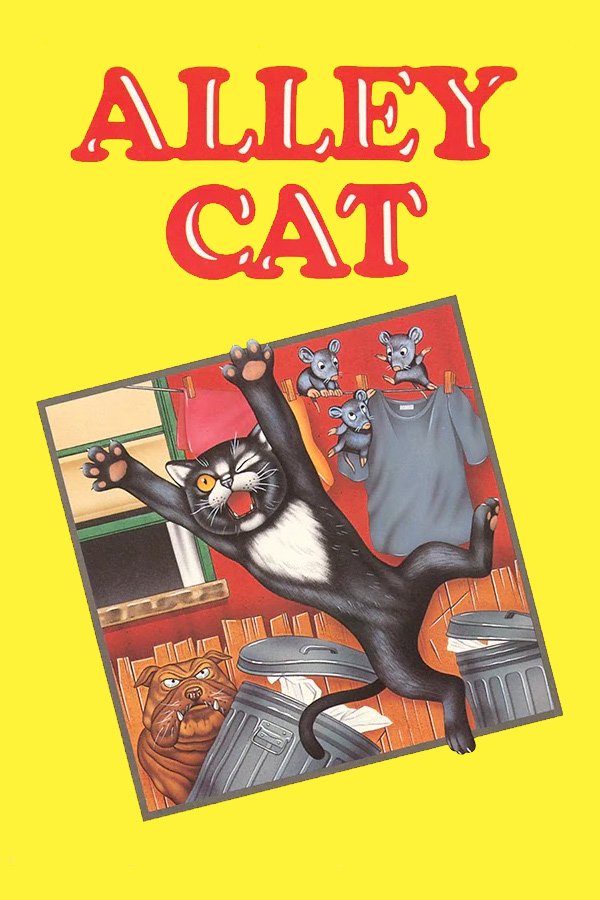
Developer Syncr0ndi has released v1.0 of AlleyCat-Recomp, a native Windows 10 and 11 port of Bill Williams’ 1984 IBM PC game Alley Cat. You can run the platformer directly on modern Windows via SDL2 without DOSBox or an 8086 CPU emulator.
The project used a two-stage approach instead of shipping a raw static translation of the 8086 assembly. First, a static recompiler translated every instruction into C to act as an exact reference model. Then, all 260 routines were rewritten by hand in C across 30 modules and verified against the recompiled reference across 241 million calls with zero register or byte differences. The release notes also credit Claude Code in the development process.
The native build reproduces the timing of a 4.77 MHz IBM PC with CGA graphics, syncing to the original 18.2 Hz timer and vertical retrace. PC-speaker audio is synthesized from an emulated 8253 timer. Alongside the original keyboard shortcuts, the port adds a resizable 4:3 window, F11 (or Alt+Enter) for fullscreen, F12 for PNG screenshots, and controller support that maps the analog stick to the old PC joystick (answer Y to the game’s joystick prompt to use it).
To play, you need to supply your own legal copy of the original 1984 DOS executable (CAT.EXE, 55,067 bytes, dated 22 August 1984). The download ships only MIT-licensed code (plus zlib-licensed SDL2) and reads sprites, music, and data tables from your file at launch.
- Download and extract
AlleyCat-Windows.zipfrom the AlleyCat-Recomp releases page. - Run
alleycat.exe(you may need to click More info -> Run anyway on the Windows SmartScreen prompt because the binary is unsigned). - Select your
CAT.EXEwhen prompted, or place it in the same folder. The path saves automatically toalleycat.ini.

