007: Agent Under Fire gets its first unofficial PC recomp release
Version 1.0.0 of an unofficial native Windows port of 007: Agent Under Fire is out. It needs your own Xbox disc.
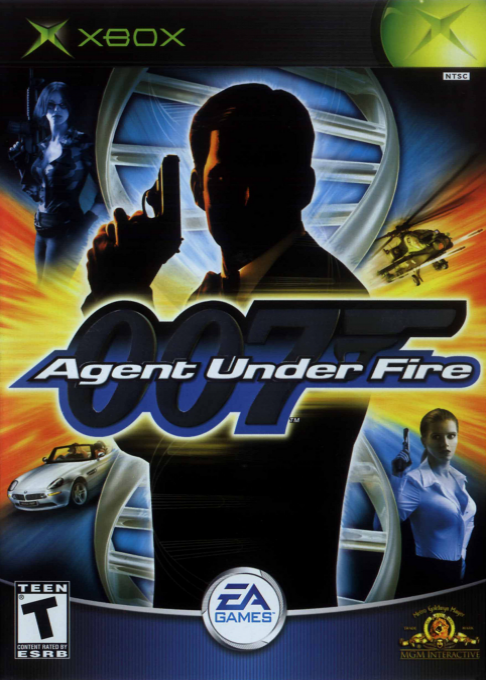
The first release of an unofficial native PC port of 007: Agent Under Fire is out. Version 1.0.0 came out on November 2 and runs on Windows. The original game is an Xbox title. This port is a static recompilation: the game’s own x86 code is turned into Windows programs by the Xbox XBE Recomp tool. It is an emulator-free setup, so nothing runs inside a virtual Xbox.
The release ships no game files and no game code. You bring your own disc image or folder. The launcher, AgentUnderFireLauncher.exe, checks which version you have (USA or PAL), downloads the matching package of about 80 MB, and compiles the game on your PC. The author reports 111 seconds for that step on a clean Windows Sandbox with the PAL disc. You do not need Visual Studio, Git or admin rights.
Working features include on-foot, driving and mounted-gun missions, in English. The PAL disc adds French and German. Extras include widescreen and ultrawide, frame rates up to 240 on foot, mouse aim, rebindable keys, render scale up to 200%, and achievements.
Known limitations apply. On PAL, driving and mounted guns run at 60 game steps a second instead of 50, using the timing EA gave the USA release. Enhanced Textures can cause a brief hitch when new textures appear, and it is off by default. Multiplayer has not been tried, and the USA disc has had less testing than PAL. The author requests bug reports.
Steps to try it:
- Get your own PAL or USA Xbox disc as an
.isofile or a folder of its files. - Download
AgentUnderFireLauncher.exefrom the latest release and put it in a folder of its own. - Run it. If Windows warns about an unrecognised app, choose More info, then Run anyway.
- Pick your disc image or folder and press Get the game ready.
- Press Play. F1 opens the full settings window.
Requirements are Windows 10 or 11, 64-bit, and a GPU with Direct3D 12 or Direct3D 11.
