WarioWare: Twisted! VR Port Adds Direct Boot and Screen Controls on Quest 3
WarioWareTwistedRecomp v0.1.1-quest brings direct boot, adjustable virtual screens, and layered 3D depth to Meta Quest 3 and 3S.
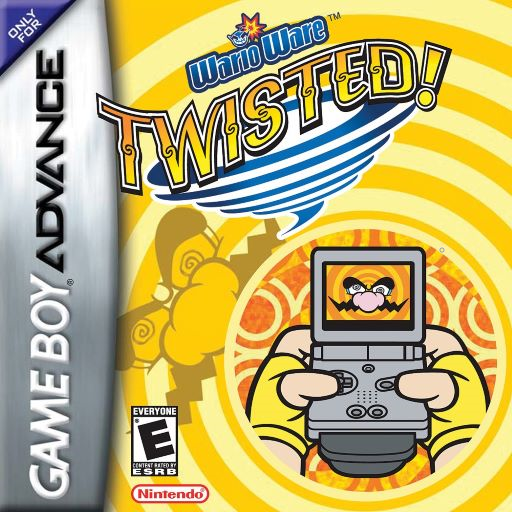
The latest update for WarioWare: Twisted! (Quest recomp), WarioWareTwistedRecomp, hits version v0.1.1-quest for Meta Quest 3 and Quest 3S headsets. The README notes that this recompilation is an experimental preview built as a byproduct of gbarecomp, so expect rough edges.
What Changed in v0.1.1-quest
- Direct Boot: Once your ROM is imported, the app launches straight into the game instead of showing the setup screen every time.
- Screen Repositioning: Holding both side grips lets you move and tilt the window, while spreading your hands or using the thumbstick Y axis adjusts the distance.
- Recline-Friendly Recenter: Clicking the right thumbstick or holding the Meta button recenters the view while reclining or lying down.
The update uses an -O3 release build and keeps imported ROMs and saves over v0.1.0-quest.
How to Try It
- Sideload
warioware_twisted-quest-release.apkonto your Quest 3 or 3S using SideQuest or ADB (adb install -r warioware_twisted-quest-release.apk). - Push your legally dumped
WarioWare - Twisted! (USA).gba(SHA-1: f0102d0d6f7596fe853d5d0a94682718278e083a,16 MiB) to/sdcard/Download/via ADB, or pick it in the ROM picker on first launch; no GBA BIOS file is required. - Twist your active wrist (right hand by default) to drive the cartridge gyro, and click both thumbsticks together to cycle depth modes.
Sources: github.com
