WaddleVita 0.2.0 runs Club Penguin on the PS Vita with no PC
WaddleVita 0.2.0 adds offline mode, so a PS Vita can run Club Penguin without a PC or Wi-Fi. It also adds more dates.
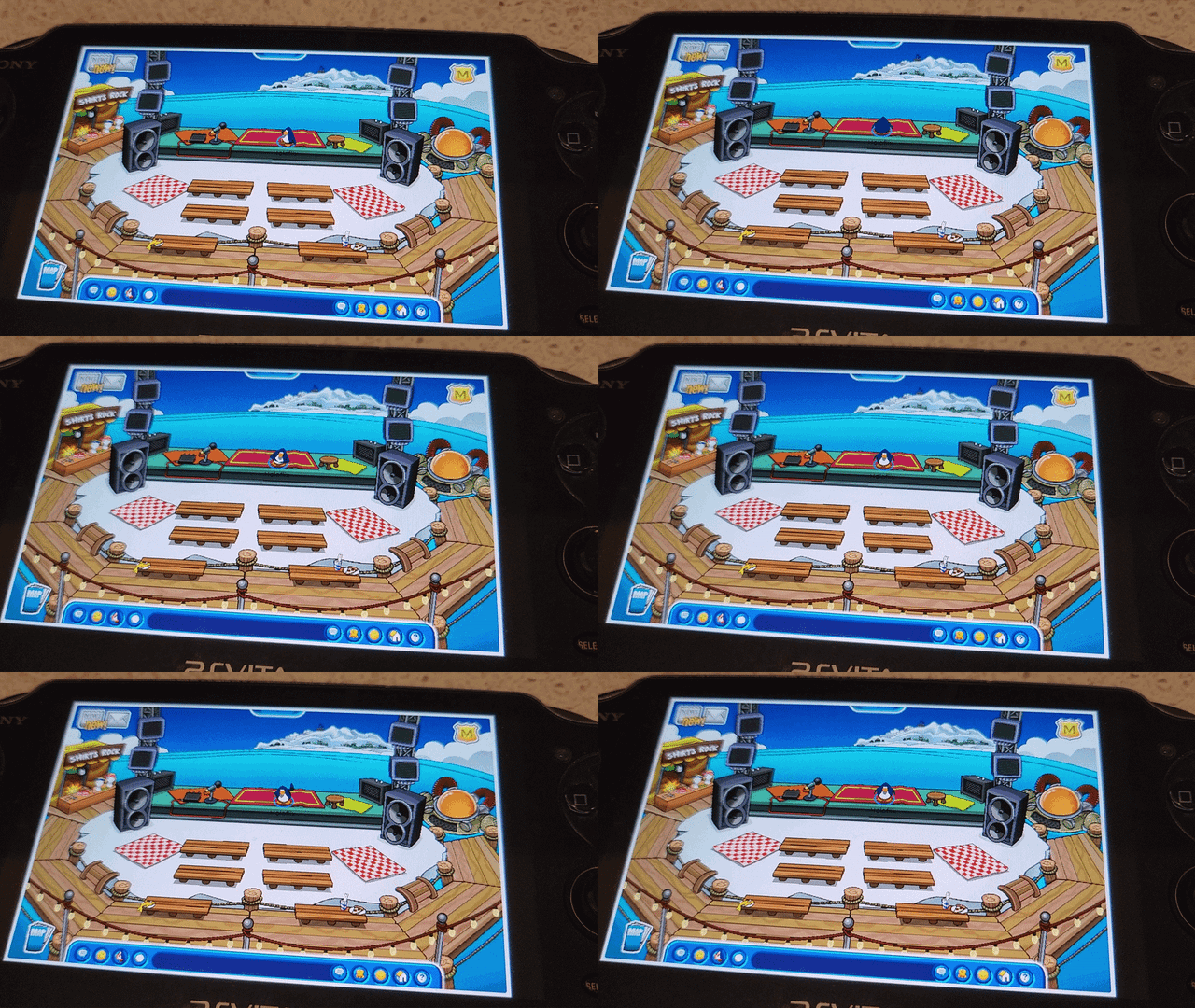
WaddleVita 0.2.0 lets a PS Vita run Club Penguin with no PC and no Wi-Fi. Until now the game needed a Waddle Forever server on a computer on the same network. This release moves that server onto the Vita itself.
The Vita app is a modified RuffleVita, which is built on Ruffle. It runs the original Flash client with Club Penguin controls.
Offline setup takes one step on a PC. Build a 1.3 GB offline.pack from your own Waddle Forever install with Offline/Build Offline Pack.bat. Copy it to ux0:data/WaddleVita/offline/, then press Square on the Server tab until it says “offline”. On the author’s Vita the server was ready about 52 seconds after the first start, plus about 50 seconds for two generated files.
The timeline now covers 2005-08-22 to 2011-06-26, including the first ActionScript 3 client from 2010-11-19. Dates from 2011-06-27 on don’t fit the Vita’s memory and show as unavailable. Offline mode is single-player and has no admin page, NPCs or mascots. Music plays in minigames but not in rooms. The cause is not found yet.
You need HENkaku and VitaShell on the Vita to install the VPK. No Club Penguin game files come with the release. macOS and Linux start scripts are untested.