VitaXMB 1.10.0 adds a sort wizard, retro columns and in-app uninstall
VitaXMB 1.10.0 adds a sort wizard for PSP, PS1 and retro games, plus in-app uninstall on the PS Vita.
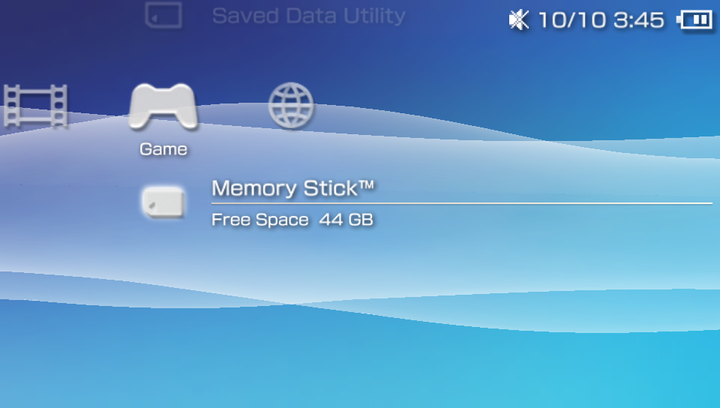
VitaXMB 1.10.0 is out. It’s a PSP-style XMB launcher for the PlayStation Vita, a homebrew menu that copies the PSP’s cross media bar. The new version adds a sort wizard that moves apps into their own columns, and it lets you uninstall apps from the Triangle menu.
The sort list has a tick box for each kind of app. PSP games, PS1 games, PSM games and Homebrew each get a column of their own. ROMs from your RetroArch playlists and RetroFlow Launcher folders show up by system and start through RetroArch or Emu4Vita+. You can keep them in Emulators, give each system a column, or put them all in one Retro column. The release also adds 33 PSP-style system icons.
Custom themes that paint the whole category bar have no picture for the extra columns. Those columns appear as folders under Game > Memory Stick instead. Switch the theme off to see them on the bar. If an update fails, install VitaXMB-v1.10.0.vpk with VitaShell.
How to sort:
- Open Settings > VitaXMB Settings > Sort Apps into Columns.
- Tick the rows you want with Cross.
- Press Triangle. A line at the top shows how many apps moved.