VitaOS 1.8.4 adds Wi-Fi transfer for port game files on PS Vita
VitaOS 1.8.4 adds Wi-Fi transfer for port game files, automatic app updates and a Recently added collection on PS Vita.
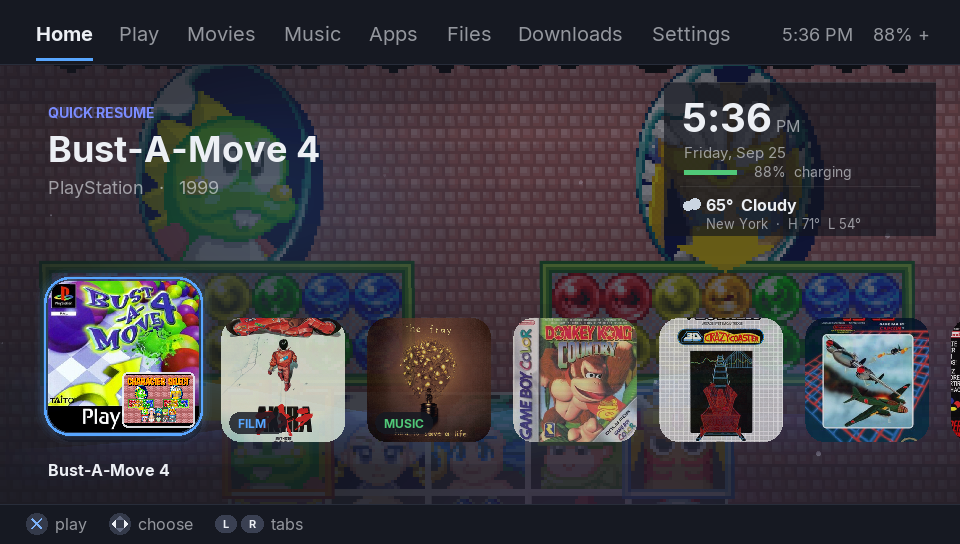
VitaOS 1.8.4 lets you send a port’s game files to your PS Vita over Wi-Fi. The release came out on October 2. VitaOS is a free, open source home screen for the Vita, built by game UX designer Mitchell Vizensky.
On an installed port’s Store page, press Triangle. VitaOS shows an address and a QR code. Open it in a browser on any computer or phone on the same Wi-Fi, pick the folder with the game files, and they land in the folder the port reads. The transfer only works while that screen is open, and only into that one folder.
The release also adds automatic updates for Store apps while the Vita is plugged in, and a Play collection of recently added games, marked NEW for two weeks. All new text is translated into eight languages.
Install the VPK with VitaShell over an earlier version, or press Update in Settings. Your settings stay. You need a Vita with homebrew access. The README names HENkaku or Enso for that.