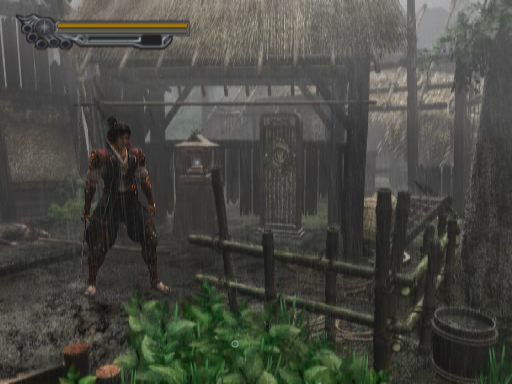
Urban Reign PC Port 1.4.1 Fixes Boot Movies and Window Dithering
Urban Reign static recompilation v1.4.1 fixes boot movie freezes, audio sync drift, and window dithering stripes.
The Urban Reign static recompilation project for PlayStation 2 received a v1.4.1 update, fixing boot movie freezes and audio desync issues on Windows and Linux.
Version 1.4.1 addresses a GS interrupt handler bug that caused the intro video to freeze right after the CRI logo when the picture went out in the middle of a frame. The update also corrects a bug where the right audio channel ran 171 milliseconds ahead of the left during boot sequences, eliminating clicks.
Visuals also see a fix. At high internal resolutions, PS2 dithering previously created thin stripes in windows of some sizes. Dithering now defaults to Force 32-bit to remove color banding without speed drops. A 64-bit Linux system with glibc 2.30 or newer and a Vulkan graphics driver, or Windows 10 or 11 with a DirectX 11 card and the Microsoft Edge WebView2 Runtime, is required.
How to try it
- Download
UrbanReignPC-1.4.1.zipfor Windows or the.tar.gz/.debpackage for Linux from the Release v1.4.1 page. - Extract the archive and launch the executable.
- Select your own USA Urban Reign disc image (
SLUS-21209,.iso) in the Game tab and hit play.