TwinsanityEvolved v0.1.8 brings Crash Twinsanity to Windows and macOS
TwinsanityEvolved v0.1.8 runs the PS2 game Crash Twinsanity natively on Windows and macOS, using your own PAL disc image.
PS2 → PC (Windows), Mac · Port
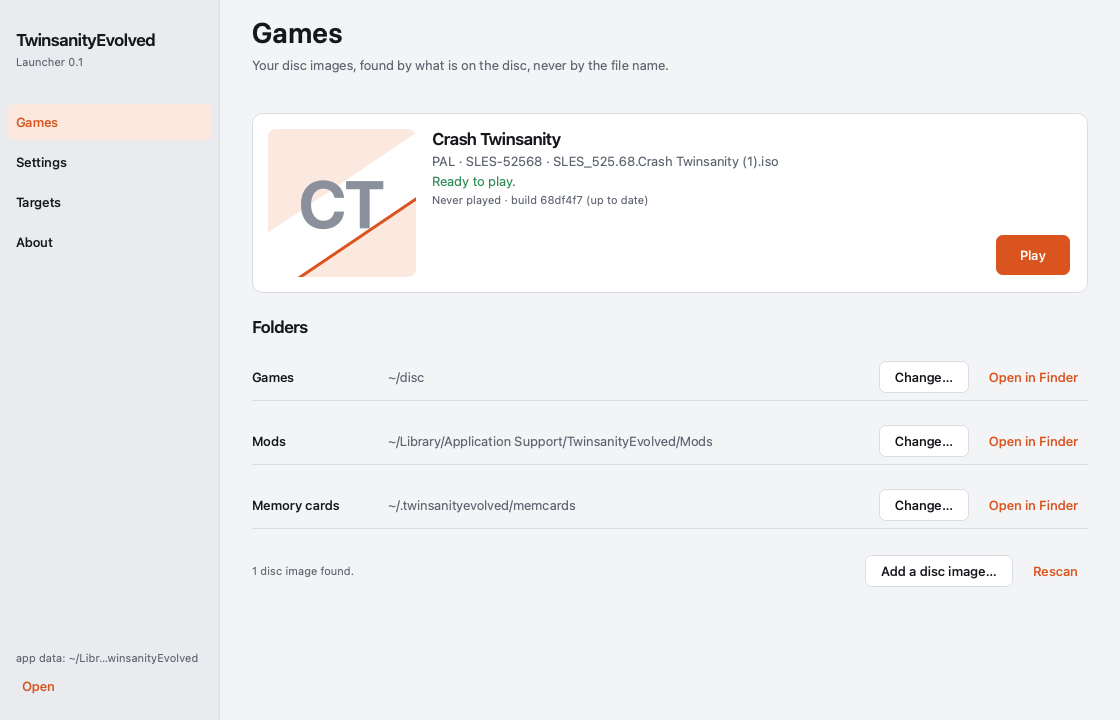
TwinsanityEvolved v0.1.8 runs Crash Twinsanity as a native PC game on Windows and macOS. The original is a PlayStation 2 game. The port is built on the twinsanity-reversed decompilation and runs it on the NativeEE engine, which the repo keeps in its own engine/ folder.
The zips contain no game data. You bring your own PAL disc image (SLES-52568), and the game reads it at run time. The release notes say the repo’s asset scan fails any build that includes a disc file or game asset.
How to try it
- Download the zip for your system: Windows 10/11 64-bit, or macOS on Apple silicon or Intel. There are no Linux zips in this release because the build did not produce them.
- Unzip it anywhere. On Windows, tick Unblock in the zip’s Properties first, or SmartScreen warns about the unsigned program.
- Run
twinsanityevolved. On macOS, right-click it and pick Open the first time. - Choose your PAL
.isowhen asked. The game remembers it indisc-image.txt.
You need a graphics driver with OpenGL 4.1. Any current NVIDIA, AMD, Intel or Apple GPU should do. Keyboard and mouse work, and so does a gamepad.
The default speed is 60 Hz. A PAL console ran at 50 frames a second, so for the original timing go to Options > graphic options > game rate > 50 hz (pal). It takes effect on the next start.
There is also a launcher that builds the game from source on your own machine. It installs its own compiler and tools, takes about 15 GB, and builds the latest commit. You don’t need it to play.
The project’s code lives in the repo, and the game stays on your disc.