SymphonyRecomp-DUAL v0.20 Brings Dual-Screen Castlevania to Android Handhelds
SymphonyRecomp-DUAL v0.20 adds a live map and equipment companion panel for running Castlevania: Symphony of the Night on dual-screen Android hardware.
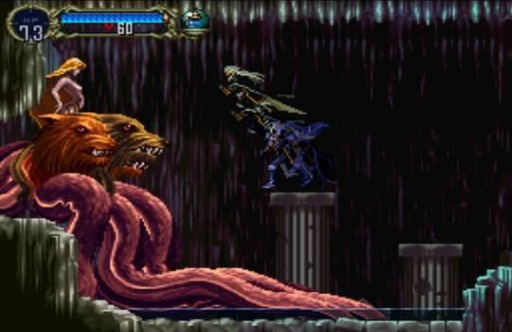
An experimental new release brings dual-screen support to the Android port of Castlevania: Symphony of the Night (originally on PlayStation), letting players track their progress on a dedicated second display.
Developer pettersdark released SymphonyRecomp-DUAL version 0.20, a prerelease, building on previous work by sergiomanzur and BlackLabelHQ. The project uses the RecompOne static recompiler runtime to bring the classic action-platformer to mobile devices.
What’s New in v0.20
The main screen handles standard gameplay, while the secondary Android display hosts a companion panel complete with live map tracking, equipment management, and relic toggles. Opening the equipment or relic tabs pauses the game and pulls up the original menu interface for managing gear. Other additions include file-picker save-state import and export, a backup before an existing slot is replaced, and English companion menus.
How to Try It
- Get the ARM64 APK by building it from the SymphonyRecomp-DUAL repository.
- Supply a legally obtained North American PlayStation disc dump, specifically SLUS-00067 (CUE and BIN files).
- Install the app, select the CUE and every BIN it references via the built-in importer, and wait for the import to finish.
- Enable the secondary screen in your handheld’s firmware settings and turn it on under the app’s Display menu.
Building from source requires Git, the .NET 10 SDK with its Android workload, a JDK and the Android SDK.