Skylanders: SuperChargers gets a fan-made native Windows port in beta 4
SuperChargersRecomp v0.2.0-beta.4 runs the 2015 Xbox 360 game natively on Windows. Only the first level plays so far.
Xbox 360 → PC (Windows) · Port
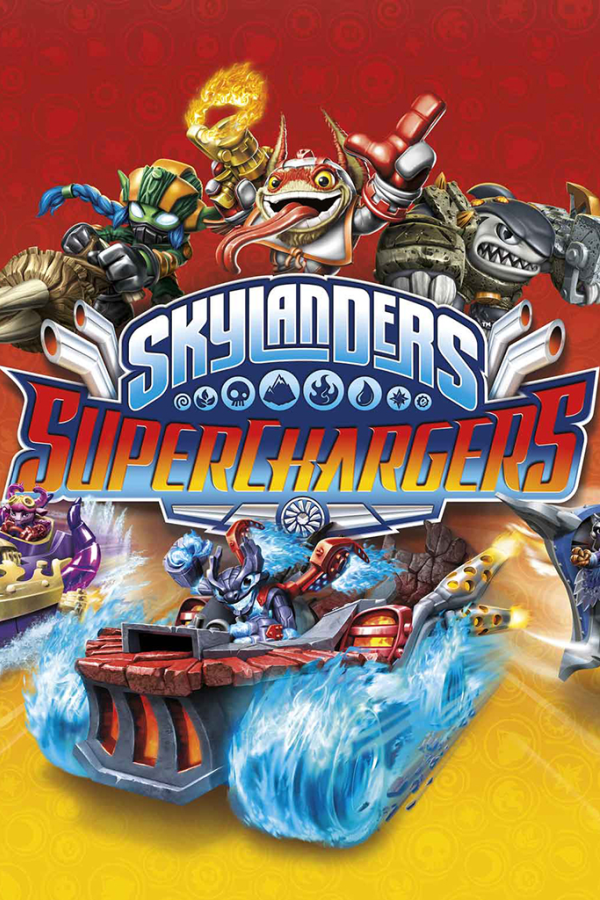
Skylanders: SuperChargers, the 2015 game on Xbox 360, now has an unofficial native Windows port. The SuperChargersRecomp project released v0.2.0-beta.4 as a prerelease. It’s a work in progress, and so far only the first level plays, with a figure on the emulated portal.
The port is built with ReXGlue for static recompilation. That process converts the game’s Xbox 360 code into x86-64 code ahead of time, so Windows runs it directly. The CPU is not emulated. Graphics go through a D3D12 path, and the picture can render at 1x, 2x or 3x the console’s 720p internal resolution.
The status table in the README lists boot, menus, the title screen, save slots and the opening movie as working. The first level works too, including the portal tunnel ride. The rest of the game hasn’t been played through yet. Frame rate can be 30 as on the console, 60 (the installer’s default), or 144 and higher. Ultrawide works for the 3D view and the HUD.
To try it, you need:
- Windows 10 or 11, 64-bit, and a DirectX 12 graphics card
- your own copy of the game: the Xbox 360 disc as an ISO or an extracted folder. Nothing of the game comes with the project.
- a controller (Xbox or compatible). Keyboard and mouse work too.
- Download the installer from the Releases page, or grab Core of Light, the launcher that sets up all six Xbox 360 Skylanders ports.
- Start it and choose your ISO. It checks that the disc is correct and sets up the game.
- Play. When the game asks for a Skylander, the portal menu opens by itself.
It is a prerelease. Known bugs are listed in docs/STATUS.md, and the installer hasn’t been tested on a clean PC yet. The project is not affiliated with Activision or Vicarious Visions.
The README is open about how the code was written. Claude, working in Claude Code, wrote almost all of it, including the recompile setup, the fixes, the launcher, the installer and most of the docs. The author chose the features, reported what was broken and played the games. It’s a useful case for the AI-assisted projects now appearing in the scene: the author says so up front, and the status table shows what works. A full playthrough is the next step.

