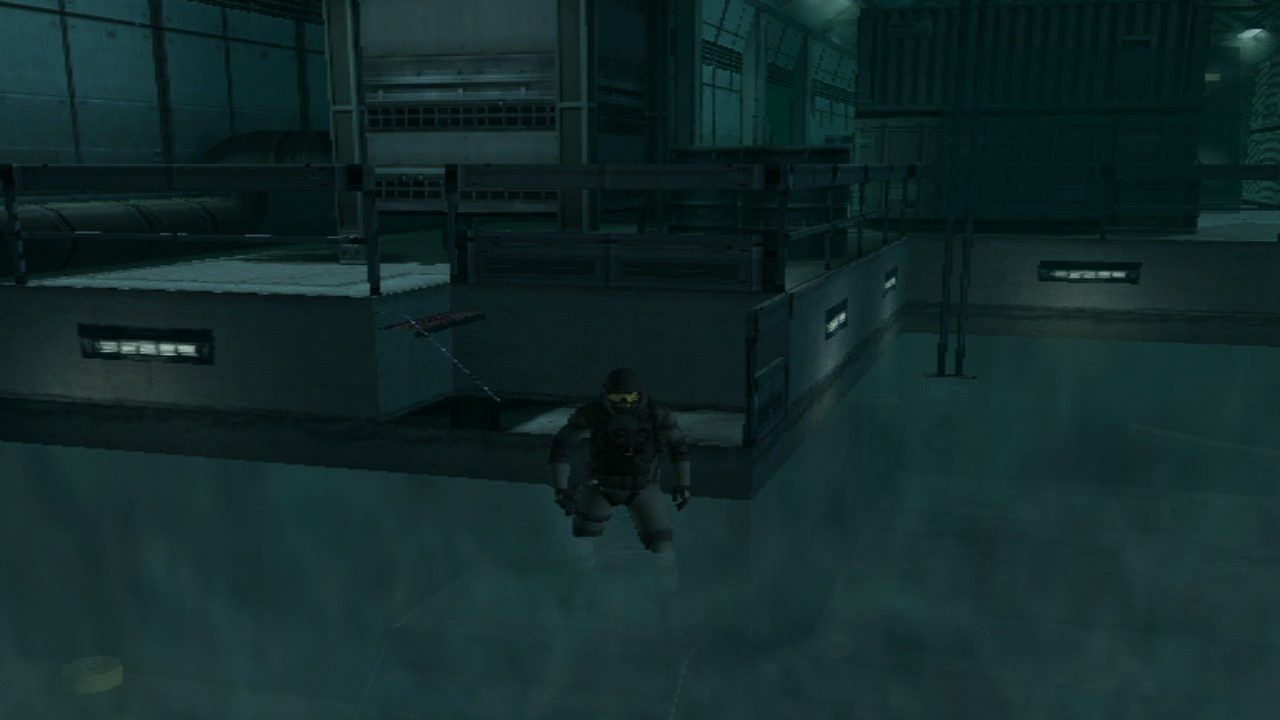
SunPad 0.2.2 adds a Mac build of Super Mario Sunshine
SunPad 0.2.2 adds a Mac app for Super Mario Sunshine, built on your own Mac from your own GMSE01 disc with PadMint.
GameCube → iOS, Mac · Recompilation
SunPad 0.2.2 adds a Mac app to its Super Mario Sunshine builds for iPhone and iPad. The release contains no game code. You make the Mac app yourself with PadMint, from your own GMSE01 disc image, on an Apple silicon Mac.
SunPad is a static recompilation of Sunshine, the GameCube game. It translates the game’s code ahead of time, draws it with Metal, and adds touch and controller support. The project is built with ModernGekko by Hyperway, ExpansionPak and contributors, plus DolRecomp, on the RecompCore and Dolphin runtime.
The Mac path needs PadMint 0.5.5 or newer:
- Get PadMint from its latest release, unzip it, and double-click PadMint.command.
- In the PadMint page that opens in your browser, choose Super Mario Sunshine and your GMSE01 disc image.
- Choose This Mac instead of the iPhone or iPad option.
- PadMint saves SunPad.app as a zip. Unzip it and move the app to Applications.
The Mac app now shows SunPad’s real version number. The maintainer tested a clean PadMint build on a Mac with Apple’s Python and an empty PadMint folder. The launcher opened and asks for access to your Documents folder so it can find disc images. Mac gameplay testing is still open, so the release does not say how well the game runs on a Mac.
If you already run SunPad on an iPhone or iPad, install the new IPA over the old one with the same tool and Apple ID. The author says your saves stay. The release also ships a PadMint recipe file and SHA256 checksums for the files.
Every copy PadMint makes contains code translated from your disc, so keep it to yourself.
The README discloses substantial AI assistance for code, tests, docs and maintenance. It gives no audited share of AI-written code. The build and device notes list only what was checked.