SM35 Recomp v0.4.0 adds online play to its native Super Mario Bros. 35 build
SM35 Recomp v0.4.0 adds online play through Nextendo Network. Mac and iPad matches were tested, Windows and Linux were not run on real hardware yet.
Switch → Mac, PC (Windows), Linux / Steam Deck, iOS · Recompilation
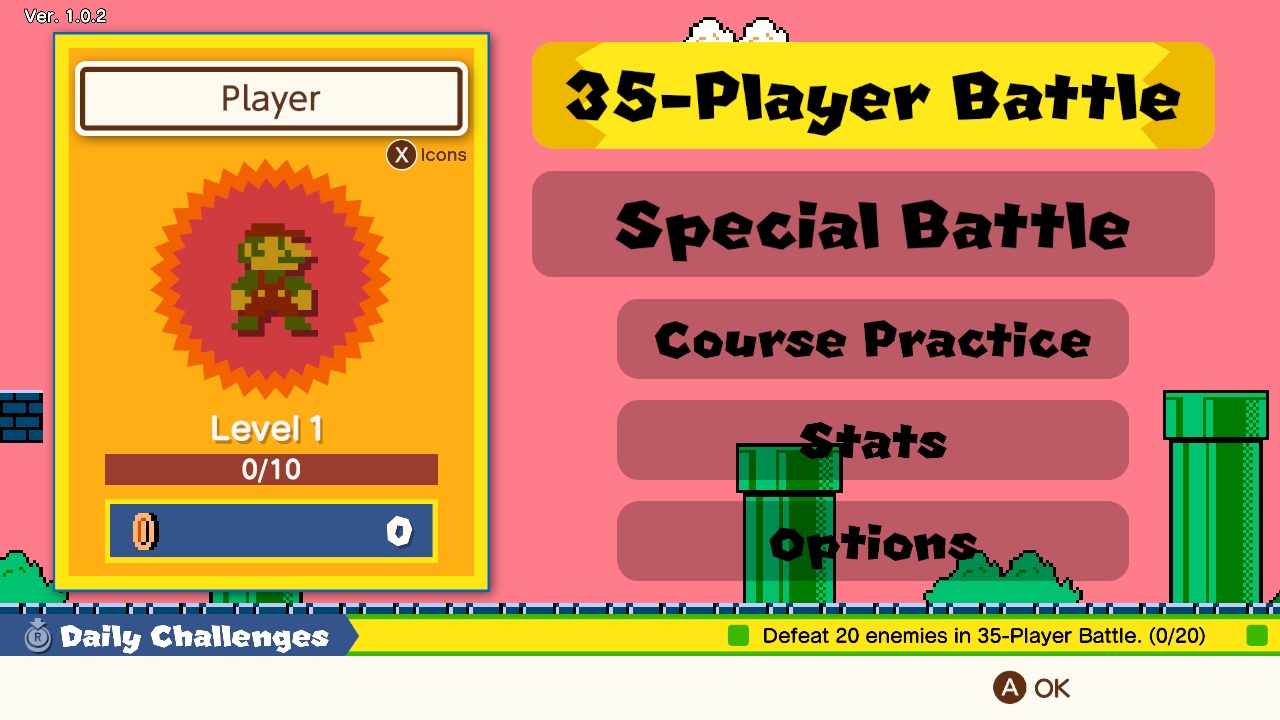
SM35 Recomp v0.4.0 is out, and the big change is online play. The project is a static recomp of Super Mario Bros. 35, Nintendo’s Switch game with 35-player battles. Sign-in, matchmaking and battle results now run through Nextendo Network, a community server.
The recomp takes your own legally dumped copy of the game, with the v1.0.2 update, and turns it into a native program for macOS, Windows and Linux. It translates the game code to C and compiles it on your machine. It’s a fork of SMM2 Recomp, which shares its runtime and recompiler. The repo and releases contain no game code, assets or keys. You bring those yourself.
What works: the game’s login, 35-Player Battle matchmaking, the battle relay and final Ranking. Course Practice, Special Battle and Daily Challenges work too. The team tested two-player matches from Matching to Ranking on a Mac and an iPad. Long matches with many players are still open for testers. The Windows and Linux packages haven’t run on real hardware yet. The macOS app isn’t notarized, so right-click it and choose Open the first time.
Daily Challenges were stuck on one day. The game reads the date from a clock call the recomp didn’t answer. Now a new set appears each day at midnight. The settings menu also lost the options that came from other recomps and did nothing here.
Two things catch people out. Cancel, Main Menu and Rematch need a hold of about a second, since a tap does nothing. And only one device per internet connection can join a match, because Nextendo tells players apart by IP address. To test two devices at home, put one on a phone hotspot.
How to try it:
- Download the package for your system from the releases page.
- In setup, point the app at Super Mario Bros. 35 with the 1.0.2 update, plus your console’s
prod.keysand firmware. - Choose Set up and play. The first setup takes a few minutes.
- Make a free account at nextendo.network, verify your e-mail and link Discord. In the game, press F1, open Online, choose Sign in and restart.
The online part is the new piece. The game still needs your own dump and a community server to run. Watch the Windows and Linux reports. Until those come in, only the Mac and iPad builds have been tested online.
