Ruffle Flash PS5 1.3.0 stops losing Flash game saves
Ruffle Flash PS5 v1.3.0 fixes a bug that wiped game saves on power-off and keeps same-named games from sharing save data.
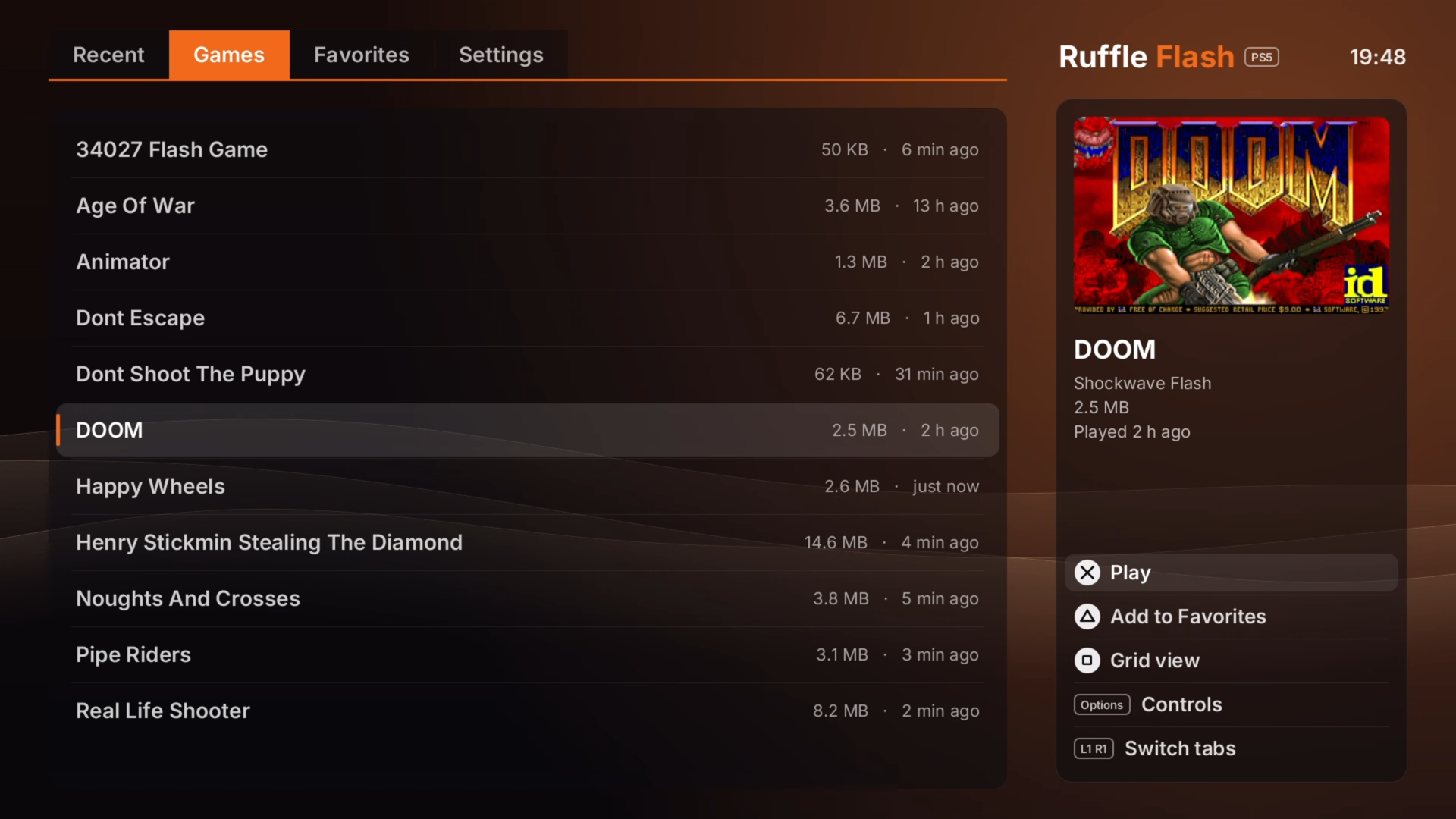
Ruffle Flash PS5 v1.3.0 is out, and the main fix is about saves. Earlier builds could lose game saves when the PS5 was turned off, put into rest mode, or when the app closed in the middle of a game. The bug was reported as issue #1 in the project’s repo. Version 1.3.0 writes saves every 3 seconds and again whenever the quick menu opens. The writing happens in the background, so games don’t stutter.
Ruffle Flash PS5 is a native PS5 app by AZiZ, a port of Ruffle, the open-source Flash Player emulator. It plays .swf files, including ActionScript 1, 2 and 3 games, on the console’s GPU. The code is under GPL-3.0. Flash was Adobe’s browser plugin, and it left behind a lot of games in SWF format. Emulators like Ruffle are how those games keep running. The part that caught my eye is that it runs on a PS5.
The rest of the release is smaller. The Recent tab now highlights the last game you played. Games with the same file name in different folders no longer share saves, covers and controls. A cover broken by a crash gets retaken. Closing the controls page without changes no longer shows “Controls saved”.
To try it, you need a PS5 with kstuff running and ShadowMountPlus.
- Extract
PPSA68091.zipand copy thePPSA68091folder to/data/homebrew/. - Load
ShadowMountPlustogether with kstuff. - Put your
.swfgames in/data/ruffle/games/. - Start Ruffle Flash.
The README says some games need a keyboard, and games with extra files (folders like db/ or media/) go in their own folder. The sources don’t say how well specific games run on the PS5, so that part is unclear.
My take: the release is small. Setup is the real barrier, since kstuff and ShadowMountPlus have to run first, so the app is aimed at people who already run homebrew.