Apocalypse gets a native PC port through static recompilation
Repocalypse v1.0 rebuilds the 1998 PlayStation game Apocalypse as a native Windows and Linux program, with 4K and high frame rates.
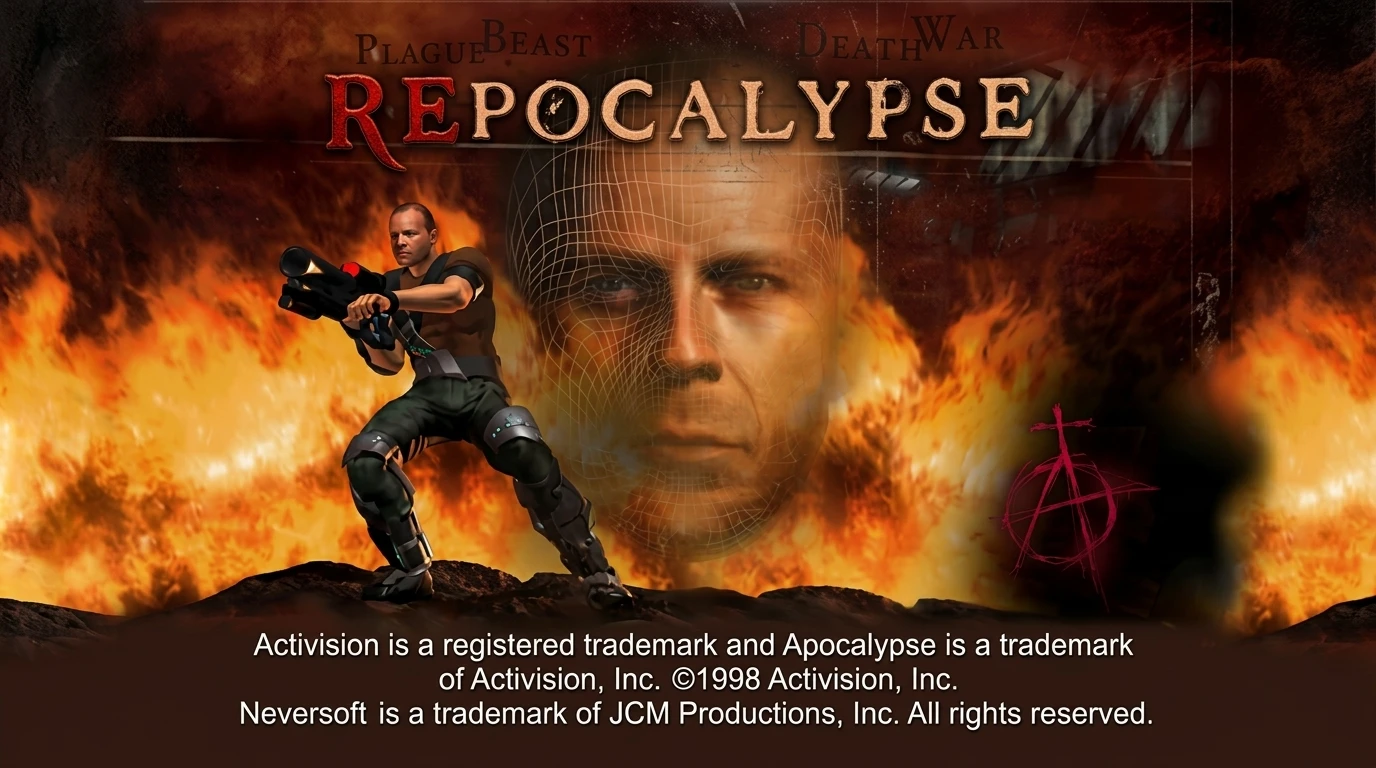
Repocalypse v1.0 is out. It’s a native PC port of Apocalypse, a 1998 PlayStation game, and it runs on Windows and Linux. The release is dated October 13.
The project uses static recompilation. The game’s original code gets translated into native code ahead of time, so it runs as a regular PC program instead of inside an emulator. The README says it plays exactly like the original, just at modern resolutions and frame rates.
The feature list is long. It goes up to 4K, with supersampling, MSAA and FXAA for anti-aliasing. The engine runs at a native 60 fps, with interpolated 75, 90 and 120 fps on top. Aspect ratios go from 4:3 to 32:9. A native renderer handles the PS1’s GTE, the chip that does its geometry, at full floating-point precision on OpenGL and Vulkan. Keyboard, mouse and XInput controllers all work, with full rebinding. Other additions include autosave at checkpoints, memory card saves that work with emulators, a cheat menu, a CRT filter, chapter select, save states and support for custom textures and FMV replacements.
Two catches. Repocalypse ships no game data, so you need your own dump of the USA disc, SLUS-00373. Also, the repository is named Apocalypse-PC-Native-Port, but the README and its download links point to a Project_Repocalypse repo. The sources don’t say which one is the main home.
The same static recompilation approach shows up in N64Recomp and Zelda64Recomp for the N64, and in UnleashedRecomp for Sonic Unleashed. My opinion: the cheat menu and the extras are more interesting than the 4K. The project rebuilds a 1998 game with a built-in cheat menu. I’ll watch whether other PS1 titles follow the same route.
How to try it:
- Download the latest release for your system from the GitHub release page and unzip it anywhere.
- Put your disc image in
assets/image/: its.cueand.binfiles (any names), or only the.binfiles. - Run
repocalypse.exeon Windows orrepocalypseon Linux.
On Steam Deck, use the Linux build, add repocalypse to Steam as a non-Steam game and play in Game Mode. Hold Select + Start (Backspace + Enter) to open the settings screen.