Régie5 0.8.0 adds disk health and viewing stats to the PS5 app
Régie5 0.8.0 adds optional Scrutiny disk health and Jellyfin Playback Reporting viewing stats to the PS5 homebrew app.
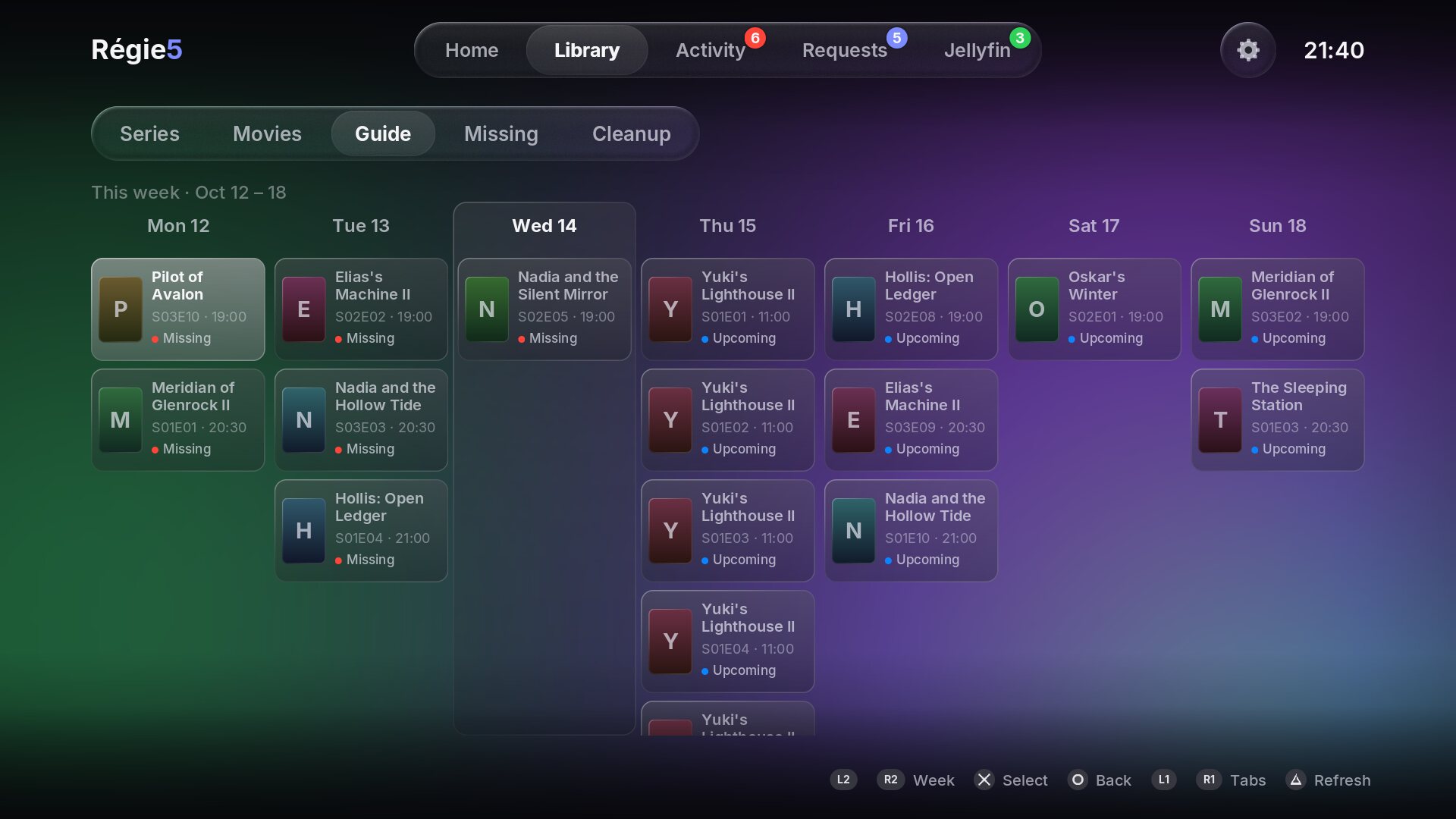
Régie5 0.8.0 is out, and it adds two optional features to the PS5 homebrew app: disk health from Scrutiny, and viewing statistics from Jellyfin’s Playback Reporting plugin. Régie5 lets you keep an eye on Sonarr, Radarr, Seerr and Jellyfin from the couch with a controller. It only reads from your own servers, and nothing on screen changes unless you turn these on.
If you run Scrutiny, which reads SMART data from your disks, enter its address on the phone page. No key is needed. Failing disks, disks that run too hot, and disks whose last reading is more than 48 hours old show up as health alerts on Home. Jellyfin’s Server tab gets a Disks section. Scrutiny sets no temperature limit, so Régie5 uses its own: a hard disk or SATA SSD is warm from 50 °C and too hot from 60 °C.
The statistics need the Playback Reporting plugin installed in Jellyfin. They cover the last 7 days, 30 days or 12 months, with hours watched and the most-watched films and series. The plugin counts only from the day it was installed and keeps 3 months by default, so pick Forever in its settings for a full year. Emby and Plex don’t get statistics yet.
To install, unzip PPSA99520.zip and copy the PPSA99520 folder to /data/homebrew/ on the console. It was tested on firmware 13.60. When updating, copy the new folder over the old one. Your config.json and settings stay.