RE-Amped2 v0.2.0 brings Amped 2 to Windows as a native game
RE-Amped2 v0.2.0 prerelease rebuilds the 2003 Xbox game Amped 2 as a native Windows program from your own disc.
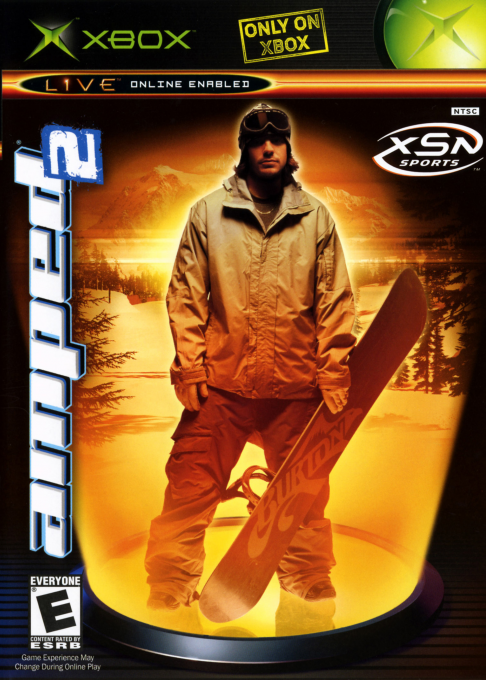
RE-Amped2 v0.2.0 is out as a prerelease. It runs Amped 2 (Microsoft Game Studios and Indie Built, 2003, original Xbox) as a native Windows program. The fan project by Nico-D-eu, RE-Amped2, uses static recompilation: the game’s code gets translated to C and compiled on your PC, from your own disc. Nothing runs through an emulator.
The game holds a steady 60 fps through DirectX 11. It supports resolutions up to 4K and beyond, with controller and keyboard input. Career, Free Ride, Tutorials, Pro challenges and saves work. A full career run to the end is still being checked. Legend challenges are untested, split-screen is hidden for now, and Xbox Live is gone.
You need Windows 10 or 11 (64-bit), a DirectX 11 graphics card and about 6 GB of free space. The installer compiles the game on your machine, so it asks for Microsoft’s free C++ Build Tools and Python. Java is needed only for the RE-Amped2 menus. The install takes 10 to 35 minutes. The installer isn’t code-signed yet, so SmartScreen may warn you. The README suggests checking the SHA-256 hash against the release page first.
A separate project covers the same game. Amped2-Recomp v0.2.0, released on 2026-10-21 by bertibertig, is also a static recompilation. It uses xboxrecomp and targets Linux first. The Linux build adds graphics settings: internal resolution from 1x to 5x, 4:3, 16:9, 16:10 and 21:9 aspect ratios, an unlocked frame rate, and fullscreen or borderless modes. The music no longer drops out. The Windows build is still a preview. It uses only the software renderer, runs at about 2 to 6 fps and is not playable yet. Amped2-Recomp supports the PAL/EU version (title ID 4D530041). Other versions are untested.
Both repositories ship no game files, so the disc stays mandatory.
How to try RE-Amped2 on Windows:
- Download RE-Amped2-Setup.exe from the Releases page.
- Run it. If SmartScreen warns you, choose More info, then Run anyway.
- Pick your disc image, or drag it onto the window.
- Choose an install folder and the shortcut options.
- Let the installer fetch the build tools. It installs nothing until you accept each licence.

