PSBox Cloud Gaming v1.5.4 adds mouse navigation and faster rendering on PS5
PSBox Cloud Gaming v1.5.4 adds mouse navigation and faster rendering to the unofficial Xbox Cloud Gaming client for jailbroken PS5.
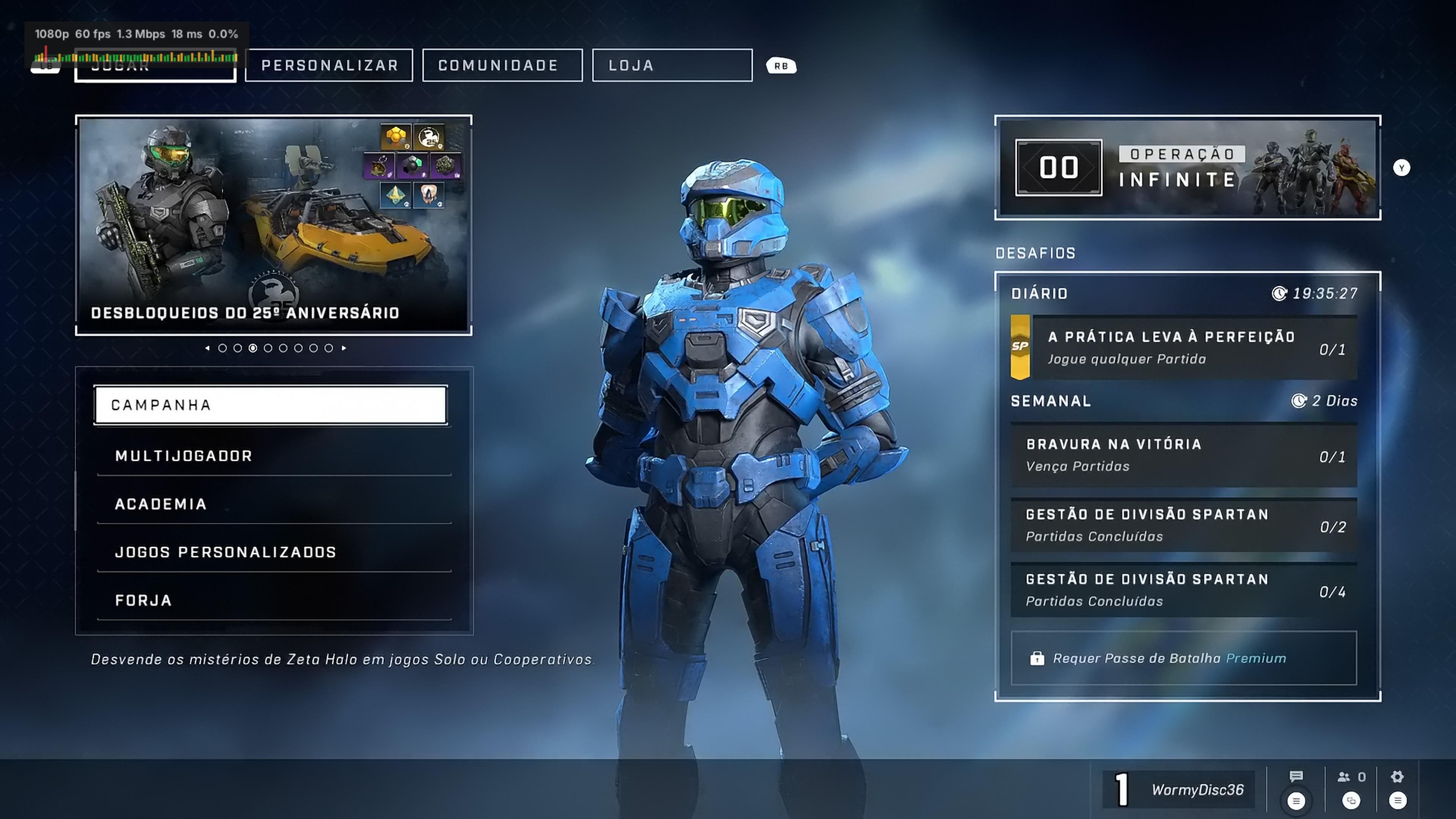
PSBox Cloud Gaming v1.5.4 came out on October 24, 2026. It’s an unofficial client for Xbox Cloud Gaming, Microsoft’s cloud streaming service, and it runs natively on a jailbroken PS5. You can browse the cloud catalog and stream games at 1080p60, with the DualSense working as an Xbox controller. The project is by RafaelNGP.
The headline change is mouse support. The release notes describe point-and-click navigation on every screen, with hover states on cards, tabs and filters. The cursor hides when you pick up the DualSense. Rendering got faster too. The home screen no longer scans all 5,000 titles every frame, and the 2D drawing path copies scanlines in bulk. The login screen that got stuck on “Sign in to play” after approving the device code now moves on.
The Reddit post also lists other additions made since the author’s last post: a phone as an extra controller, gyro aiming, a WebUI, achievement previews and free game claiming. The sources don’t say which of these shipped in 1.5.4 and which are still planned. Windows, Android and PS4 builds are on the roadmap. Free-to-play games other than Fortnite need the ads preview turned on in your Microsoft account, and the author warns to expect bugs on the free tier.
You need a homebrew-enabled PS5 that runs directory apps, for example through ShadowMountPlus, and a Game Pass plan with cloud gaming. The author reports it working on firmware 13.00 and 13.60.
- Copy the
PPSA99810folder as a whole to/data/homebrew/on the PS5, for example over FTP. - Wait for the loader to add the icon, then launch the app.
- Sign in at https://www.microsoft.com/link on a phone or computer and enter the code on the TV.
The ProsperoStore listing in the sources still shows v1.5.3, so take 1.5.4 from the GitHub release.