Project Zomboid Build 42 runs on a homebrew PS5 through ProsperoPZ
ProsperoPZ, a fork of ProsperoMC, runs the Windows build of Project Zomboid Build 42 on a homebrew PS5 through Wine and Zink.
PC (Windows) → PS5 · Port
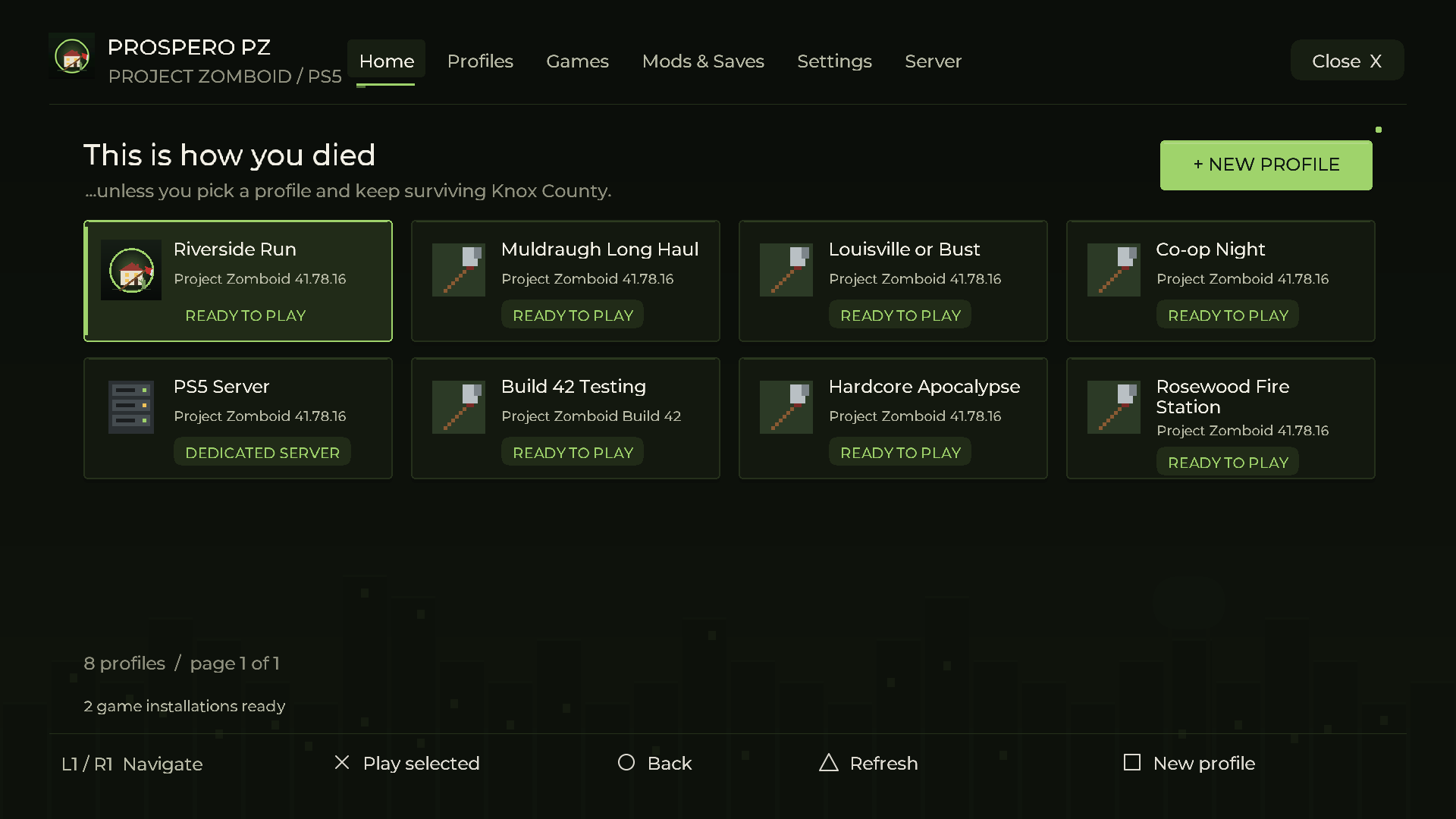
A PS5 on firmware 11.60 runs Project Zomboid Build 42 (42.21.0) through ProsperoPZ. The project is a fork of ProsperoMC, a Minecraft: Java Edition launcher for homebrew PS5. The author tested ProsperoPZ on a PS5 Phat with Relapse, kstuff lite and ShadowMountPlus, a loader for folder-based apps.
Project Zomboid is a Java game built on LWJGL and OpenGL. Prospero-win runs the Windows build through Wine, and Zink translates OpenGL to the PS5 Vulkan backend. The launcher has a DualSense interface for importing the game, keeping separate profiles, toggling mods and making world backups. Java mods work through ZombieBuddy, and the author tested Viewpoint. The README describes a dedicated server for network play, but multiplayer remains unverified.
You need a Windows copy of the game. Steam features do not work. Single-player on firmware 11.60 is the only tested configuration, and other firmwares, multiplayer and Build 41 are unverified. The project is experimental, so back up your worlds.
How to try it:
- Download the package from the ProsperoPZ repo. Copy
PPSA99777to/data/homebrew/PPSA99777and theprosperopzdata folder to/data/ProsperoPZ. - Send your Windows copy of the game to the PS5 over FTP or USB. The
scripts/import-zomboid.pyhelper handles FTP and locates Steam installs automatically. - Open ProsperoPZ from your loader, import the game and make a backup before your session.
Any Java game built on LWJGL and OpenGL can use this approach, and each fork tests the pipeline.