PrefBar v0.2.0 Brings Custom Configs and a Codebase Rewrite to PS5 Performance Overlays
PrefBar v0.2.0 lands for jailbroken PS5 consoles with a major internal rebuild, runtime optimizations, and expanded config customization.
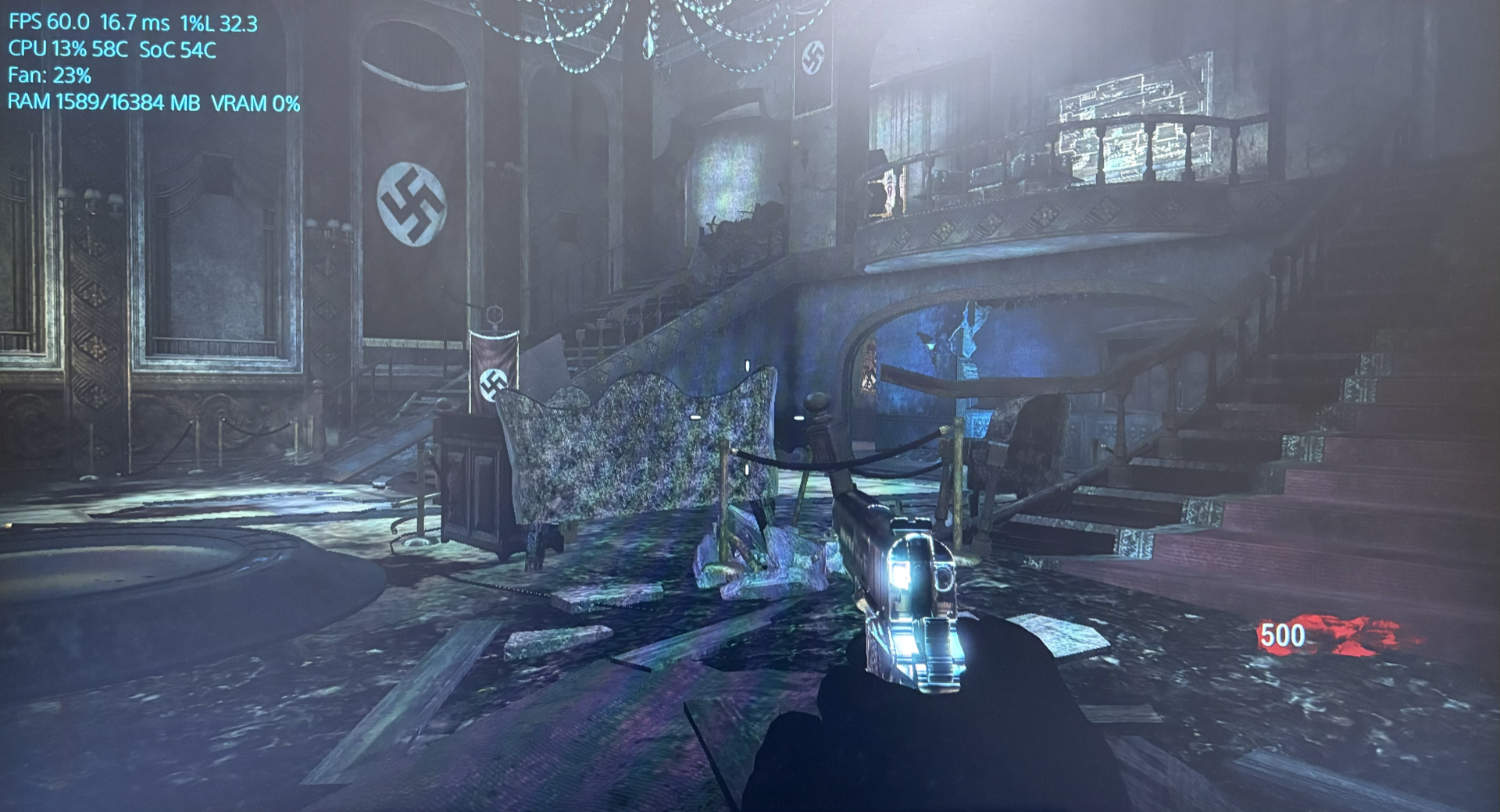
Jailbroken PlayStation 5 owners can grab PrefBar v0.2.0, a major update to the standalone on-screen performance overlay. This release introduces an architectural rebuild with a cleaner codebase, improved efficiency, and an optimized runtime.
PrefBar runs as a standalone payload with its own ShellUI renderer, designed to avoid conflicts with kernel-level components like kstuff and etaHEN. It tracks live frame performance, CPU usage, temperatures, fan duty, and memory without needing a separate renderer payload. Which metrics appear depends on the PS5 firmware and runtime environment.
Version 0.2.0 adds expanded customization through a new configuration file. Users can adjust text colors using hex codes, add text shadows, change font sizes, and modify screen positions or metric layouts. A triple-click on the DualSense touchpad toggles the overlay on or off.
- Download
PrefBar-complete_V0.2.0.elffrom the GitHub Releases page. - Load the ELF on a jailbroken PS5 using your standard payload loader.
- Launch a game and wait a few seconds for initialization.
- Edit
/data/prefbar/prefbar.confto tweak colors, shadows, and layout options.