Prince of Persia: Warrior Within Android Port Reaches v0.1.2 With Packed Executable Fix
Prince of Persia: Warrior Within static recompilation for Android releases v0.1.2, adding checks and guides for packed GOG executables.
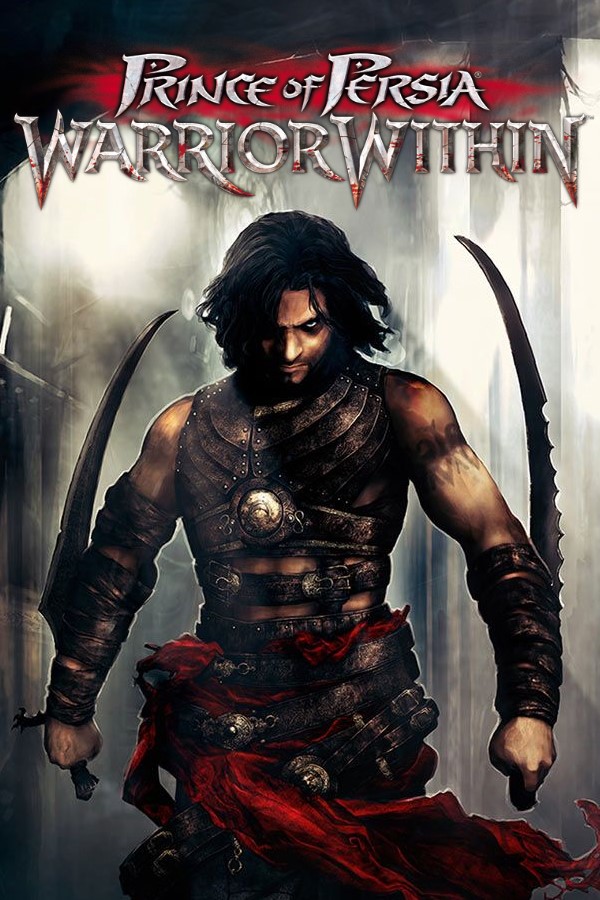
The Prince of Persia: Warrior Within Android port released version 0.1.2, fixing crashes for players using GOG installations.
GOG distributes Windows binaries packed with UPX. The porting layer cannot read a packed pop2.exe, which previously caused immediate failure upon launch. Version 0.1.2 stops the import routine from accepting packed binaries and displays a warning.
Players must unpack the executable on a PC first using the UPX tool or the new PrepareGame.bat script included in the release. The developers state that an upcoming update will handle unpacking inside the application.
How to Try It
- Install the APK from the releases page.
- Place
PrepareGame.batnext topop2.exein your PC game folder and run it to unpack the binary (or runupx -d pop2.exe). - Copy the game folder or a
.ziparchive of it to your Android device. - Open the app, import the folder, and select your resolution on the start screen.
The project translates the x86 Windows executable into C using Ghidra and a Python script, compiling it for arm64 without an emulator or Wine.