PKG Folderizer 01.041.000 stops crashing on large PS5 FPKG games
PKG Folderizer 01.041.000 from desstannsoft fixes a crash when selecting large PS5 FPKG games like Call of Duty.
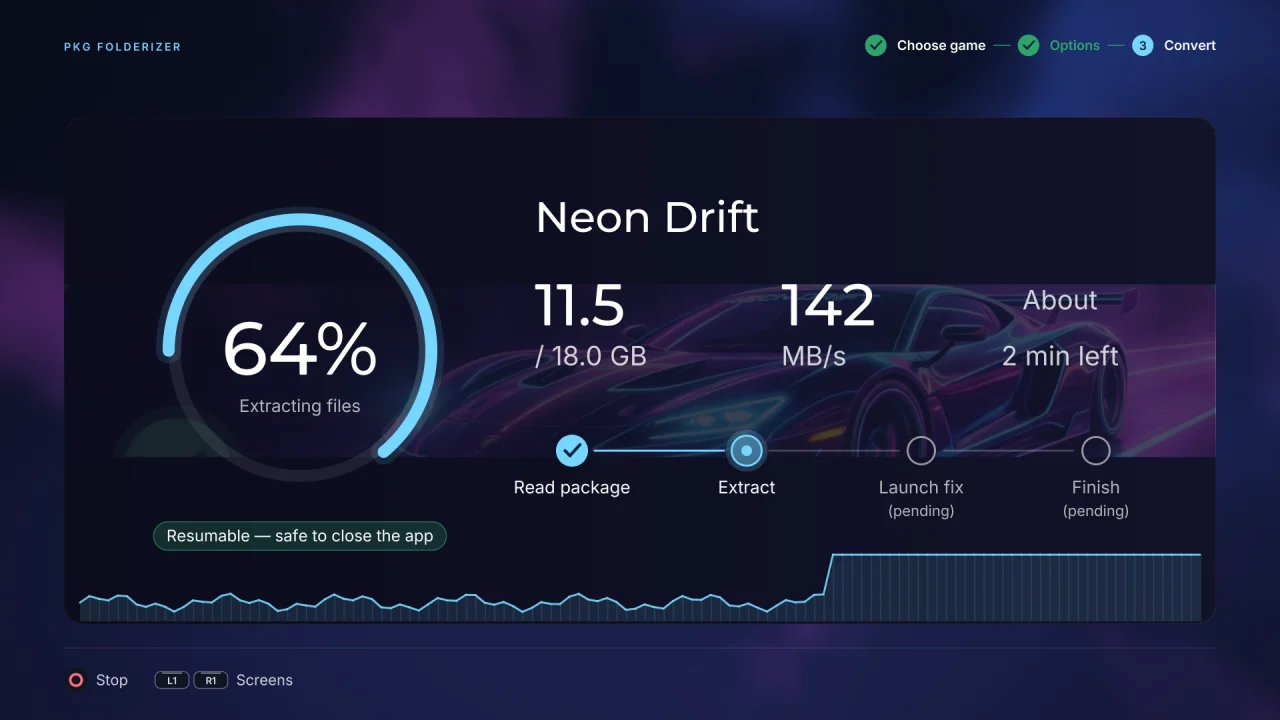
PKG Folderizer 01.041.000 is out, and the main change is a crash fix. Picking a large PS5 FPKG, such as Call of Duty or Metal Gear Solid Delta, used to close the app. The size check now reads only the package layout header. The whole compressed filesystem table no longer loads into memory. If a package still needs more RAM than the console can spare, the app shows an error instead of aborting.
The tool is from desstannsoft and runs on the PS5 itself. It turns debug (FPKG) packages for PS5 and PS4 into folders or images that ShadowMountPlus can run. ShadowMountPlus picks up games from folders and images on the console. You can write a plain Folder (the default), or a .ffpkg, .ffpfs, .ffpfsc or .exfat image.
To try it, you need a PS5 running kstuff and an ELF loader on port 9021, plus ShadowMountPlus.
- Extract PPSA99180.zip and copy the PPSA99180 folder to /data/homebrew/. Or put PPSA99180.ffpkg where ShadowMountPlus looks for images.
- Open PKG Folderizer from the home screen, pick a game, check the recommended output and start.
The release notes don’t say whether the fix covers PS4 packages too. Use it only with packages you have the right to use.