PKG Folderizer 01.037.000 adds batch converts and a browser remote for PS5
PKG Folderizer 01.037.000 converts PS4 and PS5 debug packages on the console, now with a batch queue and a browser remote.
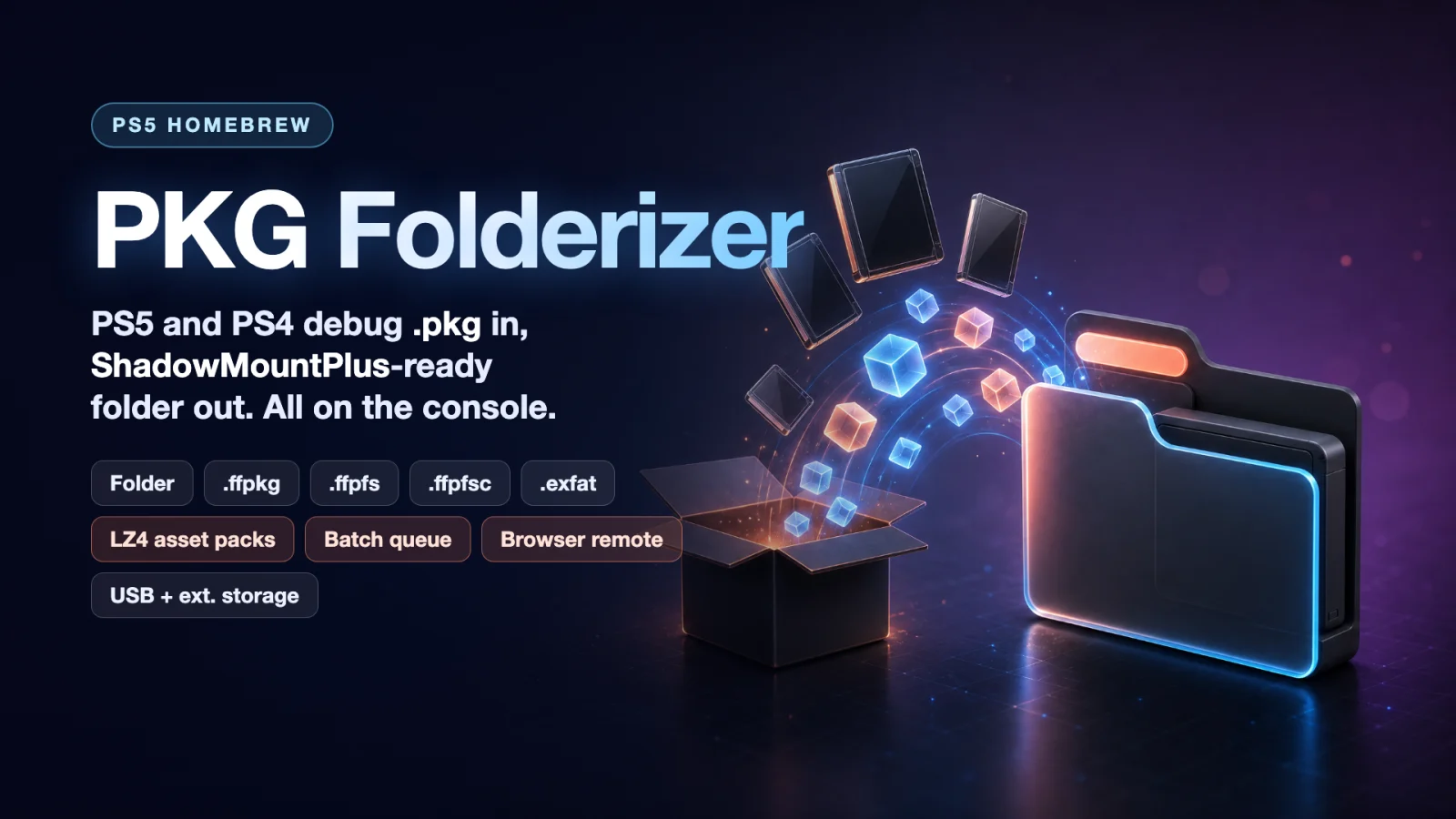
PKG Folderizer 01.037.000, a PS5 homebrew app from desstannsoft, now converts PS4 debug packages as well as PS5 ones. It runs directly on the console and turns debug .pkg files into folders or images that ShadowMountPlus, the loader that picks up converted games, can run. No PC is needed in between.
The release adds a batch queue. Pick several games and the app converts them one after another, each with its recommended settings. The PS5 can power off when the queue finishes. A browser remote does the same job from a phone or computer on the same network: you browse games with their covers, start or queue converts, and follow progress. It also includes a homebrew store for installing and updating the developer’s apps.
Converts are much faster now. Packages are decompressed and written on four threads. The space estimate reads from the package’s own file tables, and every image is checked before the source package gets deleted. Two fixes: folder converts used to stop at 80%, and large libraries could run out of memory while cover art loaded.
To try it, you need a PS5 running kstuff and an ELF loader on port 9021, plus ShadowMountPlus.
- Extract
PPSA99180.zipand copy thePPSA99180folder to/data/homebrew/. Or putPPSA99180.ffpkgwhere ShadowMountPlus looks for images. - Open PKG Folderizer from the home screen.
The developer asks that you use it only with homebrew and with packages you have the right to use.