PC5 1.8.7 brings a new icon and home screen art
PC5 1.8.7 adds a new tile and home screen art to the PS5 launcher for your own PC games, with install and update steps.
PC (Windows) → PS5 · Homebrew
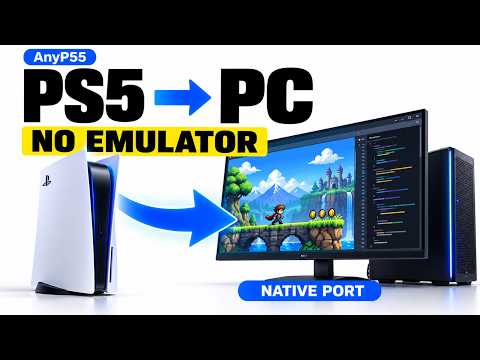
PC5, a launcher for your own PC games on a jailbroken PS5, is at version 1.8.7. This update only changes the look. The app tile is now a gaming PC lit in blue, and while PC5 is selected the home screen shows a PS5 and a PC with a game’s world between them.
PC5 runs games through prospero-win, a build of Wine for the PS5, with DXVK and VKD3D-Proton for graphics. To install a game, copy its folder (the one with the .exe) to the top of an exFAT USB drive. Then open Options › Game maintenance › Install games from USB in PC5.
You can update from ProsperoStore, or inside PC5 through Settings › System › Update now. PC5 restarts itself after the update installs.
Games that need Steam, EA app, Ubisoft Connect or Rockstar Games Launcher running are not supported, nor are games with anti-cheat, kernel drivers or DRM. Send problems as a GitHub issue with the game’s log zip attached, and skip ProsperoStore comments.