OneFamily v1.2.1 brings Xbox, DualSense and Switch Pro controller support to PS4
OneFamily v1.2.1 is a PS4 background daemon and companion app that lets the console accept Xbox, PS5 DualSense, Switch Pro and generic USB gamepads.
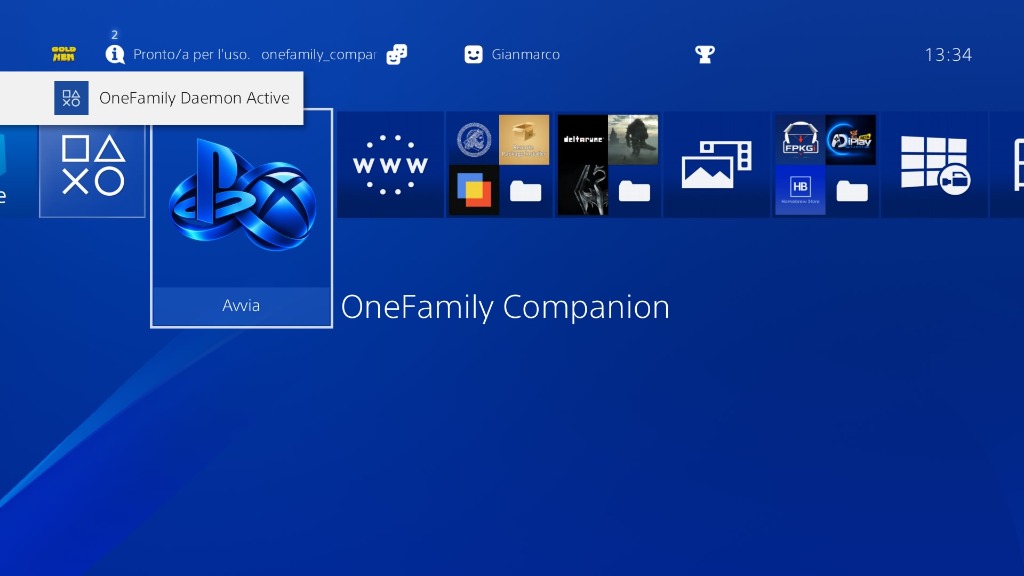
OneFamily v1.2.1 is a background daemon and companion app for GoldHEN PS4 that makes the console recognize a wide range of controllers as official DualShock 4 pads. It runs as a system service across the PS4 home dashboard, store, and all retail and homebrew games.
Supported hardware includes official Xbox Series X|S, Xbox One, and Xbox 360 pads over USB, wireless PS5 DualSense and DualSense Edge over Bluetooth, Nintendo Switch Pro controllers, and generic USB PC and DirectInput gamepads. Players can connect two controllers at once for split-screen multiplayer on separate user accounts. The companion app also includes an analog stick drift auto-calibration tool and a visual button remapper for generic gamepads.
How to install:
- Download onefamily_companion.pkg from the OneFamily GitHub releases page (https://github.com/ChiricoG/OneFamily/releases).
- Copy the .pkg to a USB drive or to /data/pkg/ and install it using the GoldHEN Package Installer.
- Open OneFamily Companion once to automatically install the background daemon and configure GoldHEN to start it on every boot.
The source post states that wireless DualSense support runs on firmware 13.52, 12.50, and 5.05-11.00+.