NX-MCP gives AI agents screenshots, button presses and file access on the Switch
NX-MCP is a Switch homebrew MCP server with 24 tools that let an AI agent take screenshots, press buttons and manage files.
NX-MCP is a new Nintendo Switch homebrew tool that lets an AI agent drive the console. NX-MCP is an MCP server, a program that exposes tools for AI agents such as Claude to call. Its developer, CompSciOrBust, built it while working on a Switch project of their own. Claude kept misreading the screen coordinates of UI objects, and copying screenshots off the SD card over FTP got old fast.
The release has 24 tools. The most useful ones take screenshots over the network, simulate button presses and scripted sequences, send taps and swipes, read, create and delete files (it works on save files), kill and launch processes, and run arbitrary IPC commands the agent supplies. Large file transfers go through separate endpoints so they stay out of the model’s context. The server gives the agent cURL instructions for those.
The developer says other Switch MCP servers exist but this one is more feature complete. It supports both legacy and modern versions of the MCP protocol, and the code is split into controllers and services. The readme explains how to add a new tool.
How to try it:
- Get the release from the GitHub repo.
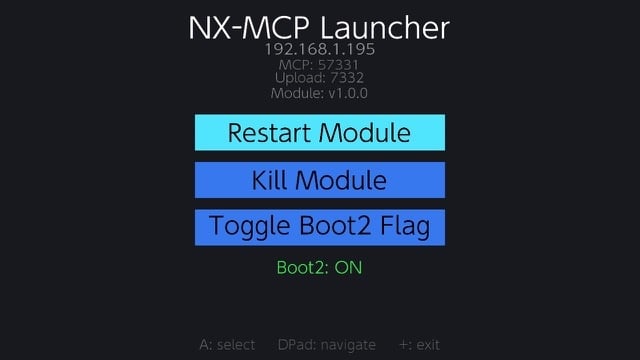
- Run the launcher NRO. It installs and starts the system module.
- Use the launcher to toggle the Boot2 flag if you need it. The thread doesn’t say what Boot2 does or which firmware versions are supported.
NX-MCP is built for an agent that reads screenshots and presses buttons, so the developer can test changes without any human help at the console.