MODI SFlash Beta 1 backs up your PS5's SFlash to USB
A free homebrew app for jailbroken PS5s saves two verified SFlash copies to USB. Tested on firmware 13.60 so far.
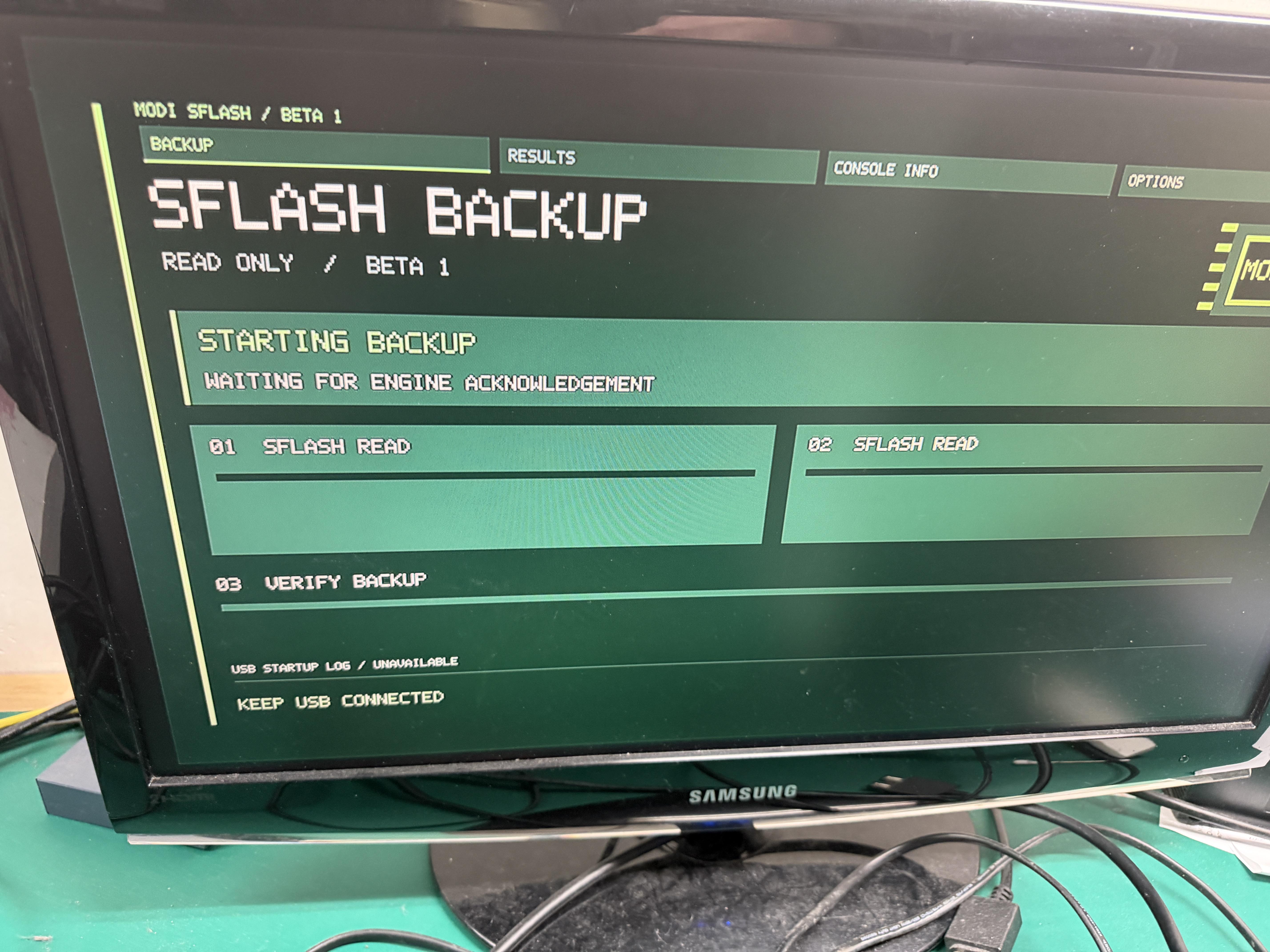
MODI SFlash Beta 1 is a free homebrew app for jailbroken PS5s, and the team has tested it on firmware 13.60. MODI Diagnostic Lab from Poland says the app reads the SFlash image twice, saves both copies to a USB drive and checks them with SHA-256.
You launch it from the PS5 home screen, plug in a USB drive and press X. The app runs until it reports VERIFIED. The copies, checksums, manifest and logs land in a MODI_PS5_SFLASH_RO folder on the drive. In the team’s check against a completed 13.60 backup, both copies were 2 MiB and matched.
Beyond the backup, the app shows recorded operating time, factory firmware info, and available temperature and EMC error history. The operating time covers the whole console. The preview uses sample values, including a 90.5 °C event, so it is not a live reading.
The team reports verification on FAT CFI-1016, FAT CFI-1116, Slim CFI-2016 and Slim CFI-2116 on 13.60. PS5 Pro and firmwares 13.12, 13.20 and 13.40 are pending. SSD contents, game saves and optical-drive pairing sit outside the backup.
To try it, you need a working elfldr on port 9021, kstuff-lite, ShadowMountPlus and a writable USB drive.
- Prepare the USB drive, extract the ZIP and copy MODI-SFlash-Beta-1.ffpkg into the homebrew folder.
- Start the jailbreak and mount the app. Run Relapse and wait for elfldr on port 9021.
- Load kstuff-lite for your firmware, then ShadowMountPlus. If your setup loads them automatically, wait for the app tile.
- Open the MODI SFlash tile, press X and keep the USB drive connected until VERIFIED.
The team asks users to keep raw dumps private and mask serial numbers in screenshots. A chip-programming tool is in development, and recovering a physical chip with this backup has not been validated yet.