MacheteSaveGameManager 1.3.4 fixes PS4 save loading on PS5
MacheteSaveGameManager 1.3.4 fixes PS4 save loading and profile corruption for PS5 homebrew users. Install steps and known limits inside.
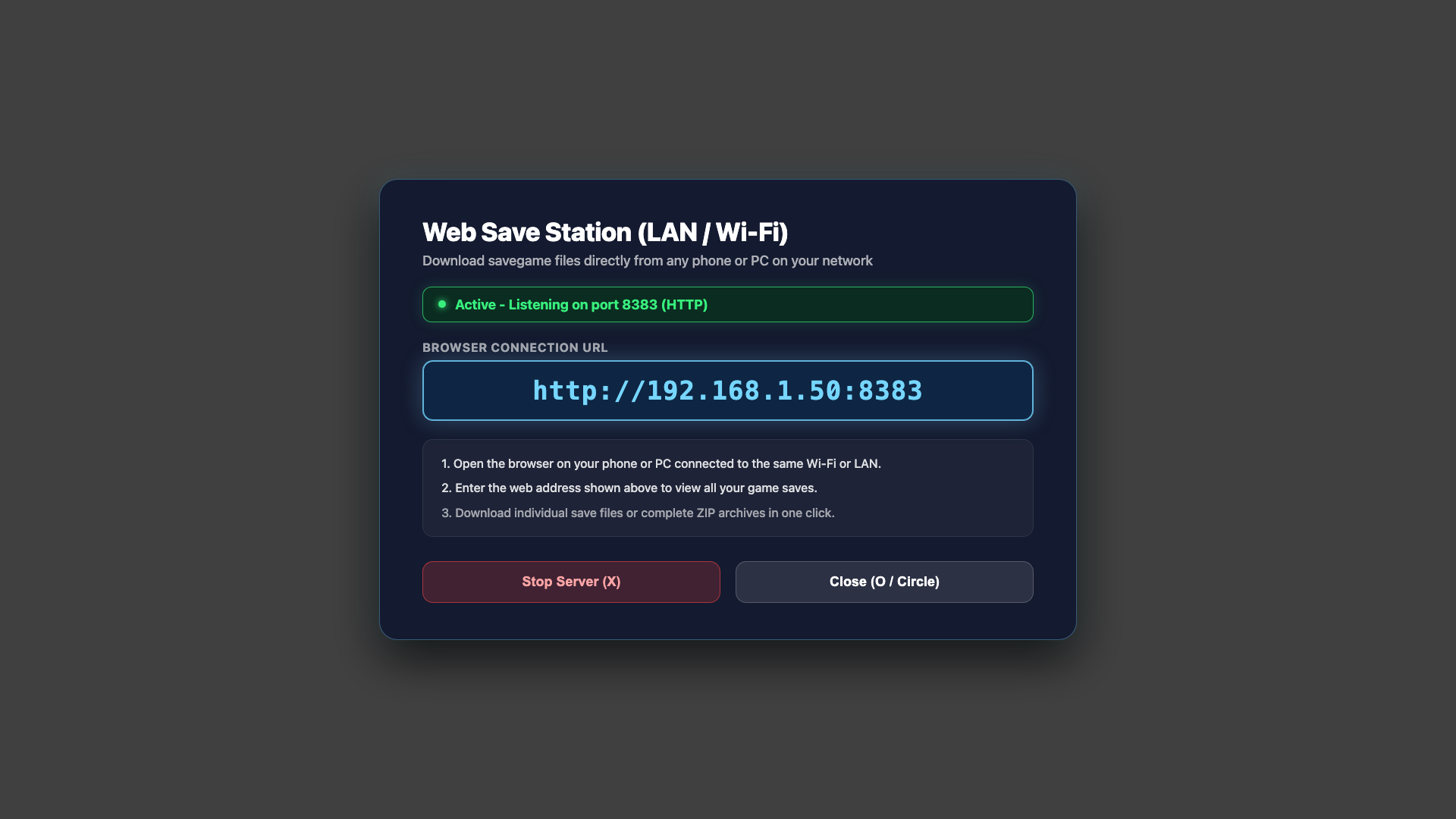
MacheteSaveGameManager 1.3.4 is out, and it’s a save manager for jailbroken PS5 consoles that also handles PS4 saves. Build #78, released October 25, fixes several loading and corruption bugs. The app backs up and restores save data for PS5 games and for PS4 games that run through PS4 backwards compatibility.
Several fixes target PS4 titles, and others change how PS5 saves are stored. The release stops loose param.sfo and sce_sys/ files from breaking save loads. The notes name Dragon Quest XI S (CUSA18600) as one of the games that threw “no se pudo cargar los datos” errors. For Horizon Zero Dawn Remastered, the app now keeps your own sdimg_PROFILE from the backup instead of overwriting it with an empty dummy profile. PS5 saves also register correctly in savedata.db now.
The author says PS5 root keys are still unreleased. Saves from another console therefore go through local dummy injection, not offline re-encryption. Full compatibility isn’t promised. If a game fails, export machete.log from the Web Save Station or from /data/homebrew/PPSA99700/machete.log and send it with a description of the problem.
How to try it, using the easy FTP method from the README:
- Download PPSA99700.zip from the Releases page.
- Extract the archive to get the PPSA99700 folder.
- Enable the FTP server on your PS5 through OnionHEN, etaHEN, or your jailbreak payload.
- Copy the whole PPSA99700 folder into /data/homebrew/ with an FTP client.
The README badge lists all jailbroken firmware versions. The sources don’t show that this was tested on each one.