lswtcs-nx v0.4.0 speeds up heavy scenes in LEGO Star Wars: The Complete Saga on Switch
Version 0.4.0 of lswtcs-nx speeds up heavy scenes and keeps saved shader translations across updates for LEGO Star Wars: The Complete Saga on Nintendo Switch.
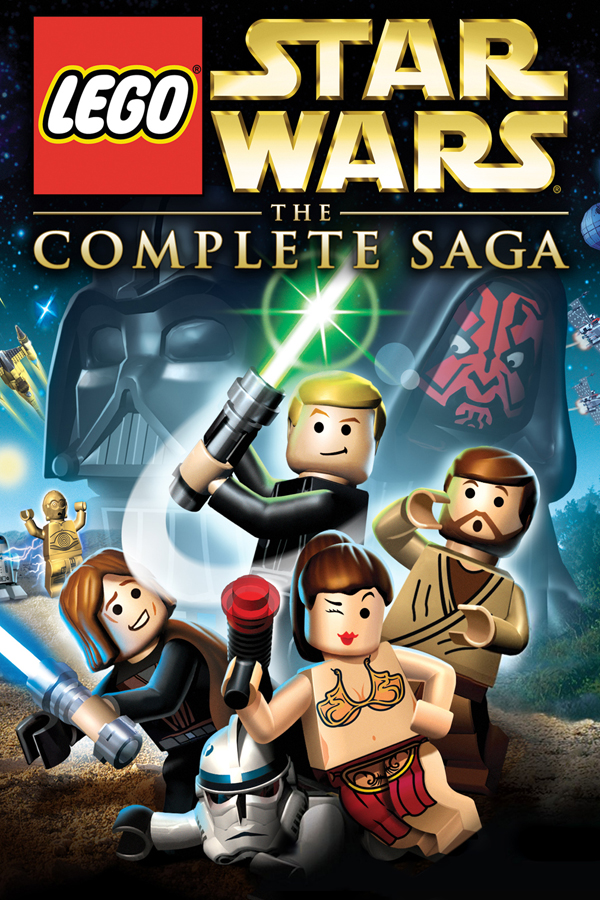
The native Switch port of LEGO Star Wars: The Complete Saga (Xbox 360) has been updated to v0.4.0, cutting frame times in heavy scenes and keeping saved shader translations across app updates.
lswtcs-nx recompiles the original PowerPC code of the Xbox 360 game ahead of time to ARM64 using XenonRecomp, running through a custom Switch runtime with graphics over OpenGL on Mesa/Nouveau. Version 0.4.0 speeds up heavy scenes in handheld mode by skipping a frame-end image copy when clearing a render target and handing over the image instead. In testing, median GPU time of heavy frames fell from 26.7 to 25.4 ms, and the heaviest areas went from 32.8 to 34.1 FPS. You can turn this off with LSWTCS_GLHANDOVER=0 in env.txt.
Saved shader translations (sdmc:/lswtcs/glprogs2/xlate.bin) now survive app updates that do not change the shader translator, so a new version no longer brings back first-session stutters. This v0.4.0 update starts xlate.bin over once.
How to try it
- Download
lswtcs-v0.4.0.zipfrom the release page and extract it to the root of your SD card. - Copy the required game files (
default.xex,game.DAT,game1.DAT,Movies/, andaudio/) from your USA/Europe Rev 1 disc intosdmc:/lswtcs/. - Using sphaira on a Switch running Atmosphère (about 6 GB free on the SD card), highlight the app, press X, select Install Forwarder, set CPU Cores to 4 and Address Space to 39-bit, and create the forwarder.