Kirpich 0.10.2 adds custom palettes to its Game Boy Tetris port
Kirpich v0.10.2 adds a palette editor with 99 save slots to the native PC port of Game Boy Tetris. The release is out now.
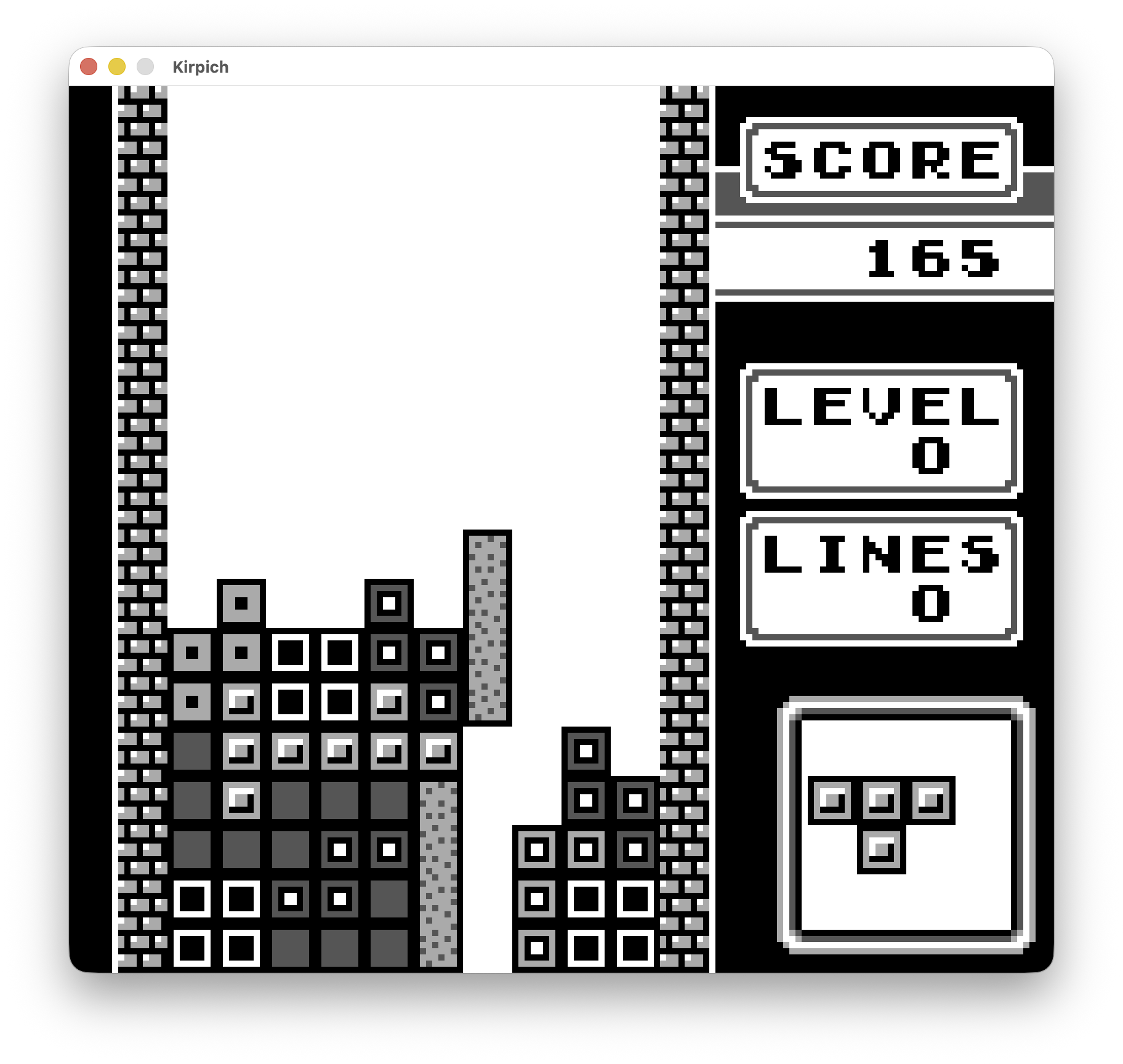
Kirpich v0.10.2 adds a palette editor to its PC port of Game Boy Tetris. The release landed on October 21.
Kirpich is a native reimplementation of the original DMG Tetris for Windows, macOS and Linux. It’s written in C++ on the Polyrhythm engine. The name is Russian for “brick.”
The new editor lets you build your own palette from four colors, darkest to lightest, each set by red, green and blue values from 0 to 255. Press Down on the Palette screen to open it. Ninety-nine preset slots store your palettes, and saved ones show up after the built-in 80 as C01 to C99. Hold Select in the editor to preview the seven pieces, the text and the brick wall as the game draws them. The README says the darkest shade is what the well’s walls and the locked blocks use, so it’s most of what you see on screen.
Existing settings and high scores carry over. No custom palette is active until you pick one.
Kirpich doesn’t ship any copyrighted content. On first start it asks for your own Game Boy Tetris ROM. The README says it doesn’t emulate the hardware or translate the assembly. It reproduces the cartridge’s behavior with the same inputs.
The Windows download is unsigned, so SmartScreen will warn about an unrecognized publisher. Choose More info, then Run anyway. The release notes say signing is coming in a later version.
How to try it:
- Download the release from the Kirpich releases page for your OS.
- Launch it and point it at your own Game Boy Tetris ROM.
- Open the Palette screen and press Down to open the editor.