Installation 08 1.3 turns Halo MCC on PS5 into its own app, adds online play
Installation 08 1.3 runs Halo: The Master Chief Collection on a jailbroken PS5 as a standalone app, with online co-op and multiplayer with PC players.
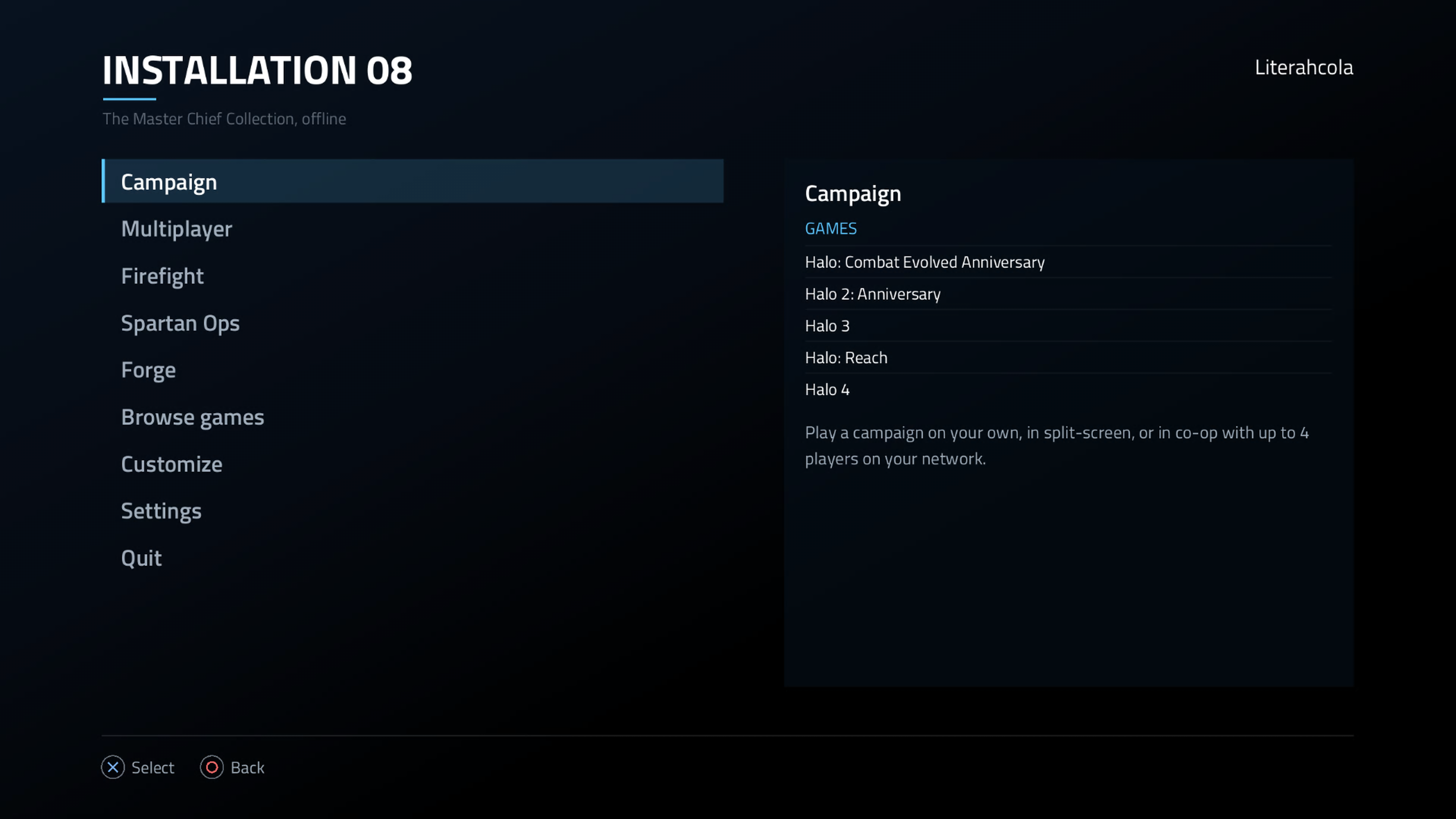
Installation 08 1.3 is out, and the big change is that Halo: The Master Chief Collection (MCC) on a jailbroken PS5 now runs as its own app. The release also adds online play, so PS5 and PC players can join the same games over the internet.
Installation 08 is a hobby project that runs MCC’s six Halo games on the console. The new PS5 app, PPSA99908, starts straight into Installation 08 and ships its own copy of Wine. Until now you needed Prospero Win, a Wine setup, to run it. The app is built on prospero-win. You install it with ShadowMountPlus, the tool that loads homebrew from /data/homebrew. The package has no game files, so you need your own MCC copy from Steam.
Online play is new in 1.3. Friends join a Private lobby with a join code. A Public lobby shows up under Browse games. There’s no port forwarding. When a direct connection fails, the Installation 08 server passes the traffic along, and every packet is encrypted end to end. The developer tested a home PS5 and a PC on a phone’s mobile data, each hosting. Joined players get a small extra delay that adjusts to the connection: about 10 ms at home, up to about 50 ms on mobile data.
The release also brings Halo 2: Anniversary custom games and Forge, lobbies for every mode, and LAN lobbies that replace the old LAN menu. Keyboard and mouse play in the games is gone, so use a controller.
Limits: network co-op starts from the beginning of a mission and can’t resume from a checkpoint. Game type options can’t be edited yet. Players who connect directly can see each other’s IP addresses, so the developer recommends Private for friends. The developer calls the project very experimental. Every machine needs 1.3.
To try it on the PS5:
- Copy the
PPSA99908folder from the PS5 zip into/data/homebrewon the console. - Open Installation 08 once. The first start can show a black screen for up to a minute.
- Copy your MCC game folders, plus
mcc/binaries/win64, into/data/installation08/mcc/. - Open Installation 08 again and pick a player name.