HookLink 1.3 Adds Save Backups for Native Zelda on iPhone
HookLink 1.3 brings save backups and clearer error messages for building native Ocarina of Time on iOS.
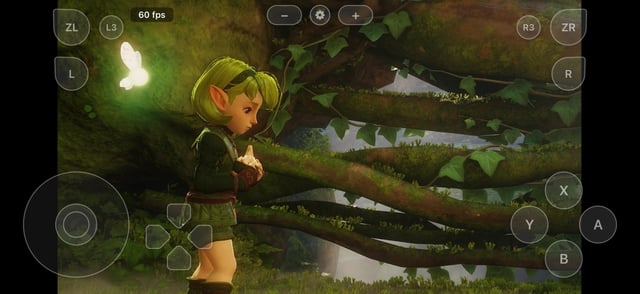
The HookLink project received version 1.3, bringing new save backup features and clearer error handling. HookLink is a macOS utility that takes a user-supplied dump of The Legend of Zelda: Ocarina of Time (Nintendo Switch 2 Edition, update v131072) and compiles it into a native iOS app using nxnative. The tool translates the game code and graphics pipeline directly to Apple’s Metal API, with no emulator involved.
Version 1.3 adds save backups, both automatic and manual. The utility now handles Back up my saves and Restore a backup… options directly within the Play step. Backups are stored locally in Documents/HookLink Save Backups on the host Mac. The app creates a backup before copying game files or performing a restore, and verifies each file during restoration.
Error messages also changed. Common failure points, such as missing build tools, a full disk, or an incorrect Xcode and Metal compiler version, now tell the user what to do, in plain words. The build step also lists any damaged textures it finds.
This release contains no engine updates, so users who already built with the 1.1 fix do not need to rebuild anything. Updating means downloading the new HookLink.zip archive and replacing the app while keeping existing build directories.
Building the application requires an Apple Silicon Mac running macOS 26.6 or later, Xcode 27.2, Homebrew, and approximately 80 GB of free storage space for the compilation process. The project is experimental. The developer tested it on one iPhone 18 Pro Max running iOS 27.2, older iPhones are not supported, and the iPhone 17 family has not been tested. Hyrule Field also dips into the 40s and 50s fps when the phone is warm.