Godfather Reborn 1.0 brings The Godfather: The Don't Edition to Windows via static recompilation
Godfather Reborn 1.0 is a native Windows port of the PS3 game using ps3recomp, featuring unlocked frame rates, co-op, and Jolt Physics ragdolls.
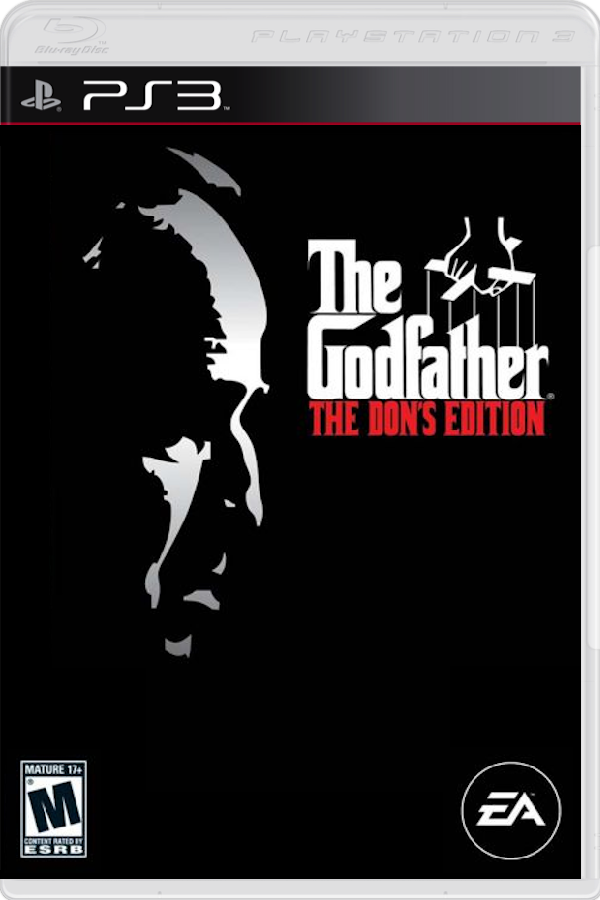
The first public version of Godfather Reborn is out, bringing The Godfather: The Don’t Edition (PS3, 2007) to Windows as a native application rather than an emulation run. Developed by whompay, the project uses ps3recomp to statically recompile the original PlayStation 3 game’s Cell PowerPC and SPU code to x86-64, pairing it with a Direct3D 12 renderer.
Unlike traditional emulators such as RPCS3, this release runs directly on Windows 10 or 11 hardware. The port introduces several modern additions on top of the European release (BLES00043), including unlocked frame rates with a built-in frame limiter, resolution scaling, texture filtering, ambient occlusion, bloom, and wet-street reflections during rain.
Control schemes have also been overhauled to support full keyboard and mouse inputs alongside standard Xbox controllers, mapping previous SIXAXIS motion moves to buttons. Additional features include an integrated co-op mode where a second player connects by address, interactive street dialogues, an inventory screen, clothing changes at Gabriel’s Tailoring, and physics-driven ragdolls powered by Jolt Physics.
How to try it
- Ensure you have Windows 10 or 11 (64-bit), a Direct3D 12 GPU, 16 GB of RAM, and about 10 GB of free disk space.
- Download The Godfather Setup.exe from the GitHub repository.
- Run the installer and point it to your own disc dump (
PS3_GAMEfolder or.iso) of the European release (BLES00043). - Let the setup handle missing dependencies like Python and Visual Studio 2022 Build Tools, and have RPCS3 installed if your dump requires EBOOT decryption.
- Launch the game from the created shortcut, configure your settings in the launcher, and press Play.